How to Avoid World Cup Scams, Fake Streams, and Risky Downloads on Your Mac
Posted on
by
Marlene Baiton


The FIFA World Cup 2026™ is here, with 48 teams playing 104 matches across Canada, Mexico, and the United States.
For fans, that means weeks of streaming, scores, travel, tickets, merch, match alerts, and last-minute searches. For scammers, it means more chances to catch people in a hurry.
World Cup scams can include fake streaming sites, phishing links, risky downloads, ticket scams, fake giveaways, and public Wi-Fi traps. These risks are easier to miss when you are rushing to catch kickoff or fix a problem before a match starts.
Here’s how to spot common World Cup scams and protect your Mac while you follow the tournament online.
How can you avoid World Cup scams?
The best way to avoid World Cup scams is to use official sites and apps, check links before you click, avoid surprise downloads, be careful on public Wi-Fi, and never enter payment or login details on a page you do not fully trust. Mac security software can also help block malware, phishing pages, unsafe downloads, and suspicious network activity.
Why major tournaments attract online scams
Major sporting events create urgency. Fans want quick answers: where to stream, where to buy tickets, where to find travel details, and how to fix problems before kickoff.
Scammers use that urgency to make fake pages, messages, and downloads feel more believable. A phishing email about a ticket problem, a fake stream posted just before a match, or a public Wi-Fi network with a familiar name can all seem safe when you are in a hurry.
The risk is not limited to stadiums. Fans can run into scams at home, in hotels, in airports, in bars, at fan zones, and anywhere else they follow the tournament online.
Common World Cup online risks include:
- Fake streaming sites
- Phishing emails and text messages
- Fake ticket pages
- Risky downloads
- Public Wi-Fi traps
- Scam merch and giveaways
- Fake apps, browser extensions, or match schedules
For a broader overview of online risks, see our guide to common cybersecurity threats.
Fake streaming sites
Fake streaming sites target fans when they are most likely to click quickly: right before a match starts.
A fake stream may look like a normal video page, but it can lead to pop-ups, fake play buttons, browser notification traps, phishing pages, or downloads that claim you need a new video player or update.
Be careful if a streaming site:
- Promises free access to matches that are usually paid or restricted
- Pushes you to install a video player, browser extension, or update
- Opens several pop-ups before the stream loads
- Asks for payment details before showing basic information
- Uses a strange URL or poorly written copy
- Pressures you to act quickly before kickoff
The safest option is to use official broadcasters, apps, and streaming services in your region. If you are not sure where a match is available, check official sources instead of clicking the first free stream result you see.
Phishing links and ticket scams
World Cup phishing can arrive by email, text message, search ad, social media post, or direct message. The message may claim there is a problem with your tickets, payment, travel booking, account, or streaming access.
The goal is simple: make you click before you think.
Watch out for messages that:
- Say your tickets will be cancelled unless you act now
- Ask you to confirm payment or personal details
- Link to a login page that only looks official
- Offer tickets at unusually low prices
- Claim you have won a giveaway you never entered
- Use urgent wording, odd sender details, or poor spelling
Before entering details, check the sender, the URL, and the page itself. If a message claims to come from a ticket provider, airline, hotel, or streaming service, go directly to the official website or app instead of using the link in the message.
For more detail, read our guides to phishing and smishing if the message arrives by text.
Risky downloads and fake match files
During the tournament, fans may download match schedules, calendar files, wallpapers, apps, browser extensions, or tools that claim to unlock streams. Some are safe. Others may hide malware or lead to unsafe pages.
Be especially careful with:
- Files shared through unknown websites or social media posts
- Fixture lists from unofficial sources
- Apps that promise free streaming access
- Browser extensions that ask for broad permissions
- Files that ask you to lower your security settings
- Downloads that appear after you click a fake video player or ad
A simple rule helps: if you were not looking for a download, do not install one just because a website says you need it.
If your Mac starts acting strangely after a download, scan it for malware and remove anything you do not recognize.
Public Wi-Fi at hotels, airports, bars, and fan zones
Public Wi-Fi can be useful during the tournament, especially if you are traveling or watching away from home. But shared networks need extra caution.
A network name can look familiar without being safe. A scammer can create a fake hotspot with a name that sounds like a stadium, hotel, airport, café, or fan event. This is often called an evil twin attack. It is designed to look legitimate so people connect without checking who actually runs it.
You do not need to panic about every public network, but you should be careful about what you do on one.
Avoid using public Wi-Fi for:
- Banking
- Shopping
- Work accounts
- Password resets
- Sensitive email
- Entering personal or payment details
When possible, use mobile data for sensitive tasks. If you need to use public Wi-Fi, check the official network name with the venue, hotel, or airport before connecting.
A VPN can also help protect your privacy on public Wi-Fi by encrypting your internet traffic between your device and the VPN server.
Scam merch, giveaways, and travel offers
World Cup excitement can also drive fake shopping pages and giveaway scams. A limited-edition shirt, discounted travel package, fan competition, or last-minute ticket offer may be designed to collect payment details or personal information.
Be cautious with offers that:
- Seem much cheaper than expected
- Use countdown timers or aggressive urgency
- Ask for unusual payment methods
- Have no clear company details
- Use copied logos or low-quality product images
- Arrive through unsolicited messages
- Ask you to share the offer widely to qualify
Scammers often use real event names, team names, flags, and familiar visuals to build trust. A page can look exciting and still be unsafe.
How to protect your Mac during the World Cup
You don’t need to avoid the tournament online. You just need a few safer habits.
- Use official sources where possible. Go directly to official broadcasters, ticket providers, hotels, airlines, and trusted retailers instead of clicking random links.
- Check URLs before entering details. Look for misspellings, extra words, strange domains, or pages that do not match the company they claim to represent.
- Do not install surprise downloads. A stream should not require a random video player, extension, or security update from an unknown site.
- Be careful on public Wi-Fi. Check the official network name before connecting, and avoid sensitive logins on shared networks.
- Slow down when a message feels urgent. Scammers use urgency because it works. If a message says your ticket, account, or payment is at risk, go directly to the official site or app.
- Keep macOS and your apps updated. Updates often include security fixes that help protect your Mac from known flaws.
- Use trusted Mac security software. Real-time protection can help detect malware, unsafe files, phishing pages, and suspicious activity before they cause damage.
What to do if you clicked a World Cup scam link
If you clicked a suspicious World Cup link, stop before the scam goes any further. What you should do next depends on what happened after you clicked.
If you only opened the page:
Close it and do not enter any details, download files, allow browser notifications, or follow any prompts. In many cases, simply opening a suspicious page is not the problem. The bigger risk comes from what the page asks you to do next.
If you entered a password:
Go directly to the official website or app and change your password there. Do not use the link from the suspicious email, text, search result, or social post. If you used that same password anywhere else, change it on those accounts too. Turn on two-factor authentication if the account offers it.
If you entered payment details:
Contact your bank or card provider and watch for unusual charges. Fake ticket pages, stream sign-up forms, and merch stores may be designed to collect card details, so it is better to act quickly.
If you downloaded a file:
Do not open it. Delete it if you can, then scan your Mac with trusted security software. Be especially careful with files that claim to be match schedules, video players, browser updates, streaming tools, or ticket documents.
If you allowed browser notifications:
Remove that permission in your browser settings. Scam sites can use notifications to keep showing fake alerts after you leave the page.
If your Mac starts acting strangely:
Run a malware scan. Pop-ups, browser redirects, slow performance, unexpected alerts, or repeated prompts to install software can all be signs that something unsafe may have been downloaded or allowed.
How Intego ONE can help
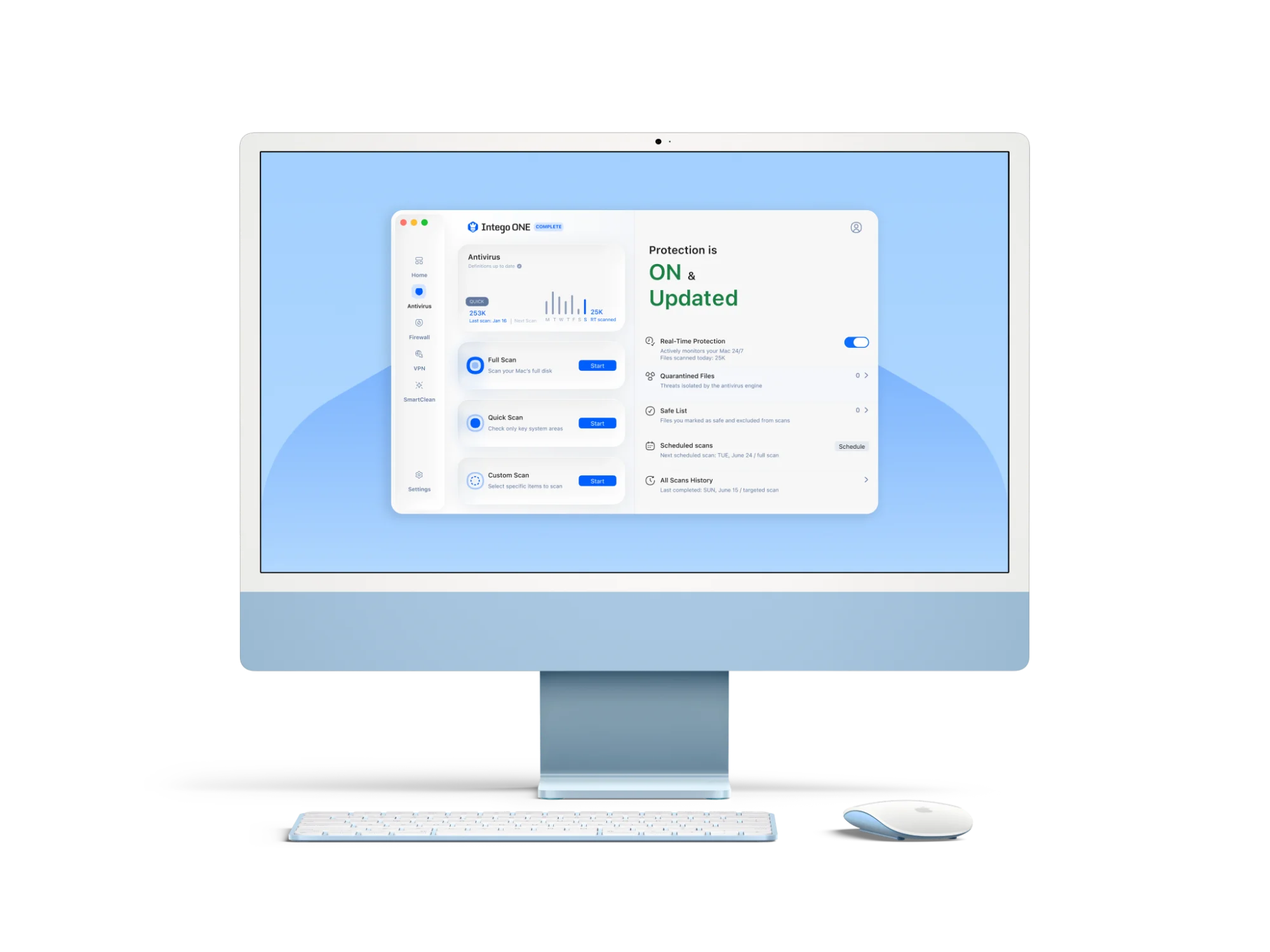
Intego ONE gives Mac users security, privacy, and performance tools in one app. That can be useful during a tournament, when you may be browsing, streaming, shopping, traveling, and downloading more than usual.
Intego ONE includes:
- Antivirus protection to detect and block Mac malware, spyware, and unsafe downloads
- Firewall protection to control which apps and services can connect to your Mac
- SmartClean to remove unnecessary files and keep your Mac running smoothly
- Intego VPN to keep your browsing more private, especially on public Wi-Fi
The World Cup should be about the matches, not malware. With safer habits and trusted Mac protection, you can enjoy the tournament with fewer online risks getting in the way.
World Cup scam frequently asked questions
Are fake World Cup streaming sites dangerous?
Yes. Some fake streaming sites use pop-ups, fake play buttons, unsafe downloads, browser notification prompts, or phishing pages to trick fans. Use official broadcasters and streaming services whenever possible.
How do I know if a World Cup ticket email is fake?
Check the sender, the URL, and the message itself. Be careful with urgent emails that say your ticket will be cancelled, your payment failed, or you need to log in through a link. Go directly to the official ticket provider instead of clicking from the email.
Is public Wi-Fi safe during the World Cup?
Public Wi-Fi can be useful, but it is not the best place for banking, shopping, work accounts, or sensitive logins. Check the official network name before connecting, use mobile data for sensitive tasks, and consider using a VPN.
Can my Mac get malware from a fake stream?
Yes. A fake stream may push you to install a browser extension, video player, update, or file that could be unsafe. Do not install surprise downloads from unknown streaming sites.
What should I do if I clicked a World Cup scam link?
Close the page, do not enter any details, and do not download anything. If you entered a password, change it from the official website or app. If you downloaded a file, scan your Mac with trusted security software.
How can Intego ONE help during the tournament?
Intego ONE can help protect your Mac from malware, unsafe downloads, suspicious network activity, and privacy risks on public Wi-Fi. It also includes SmartClean to help keep your Mac running smoothly while you browse, stream, and travel.