Mac Premium Bundle X9
Complete Mac Protection and Security
Features
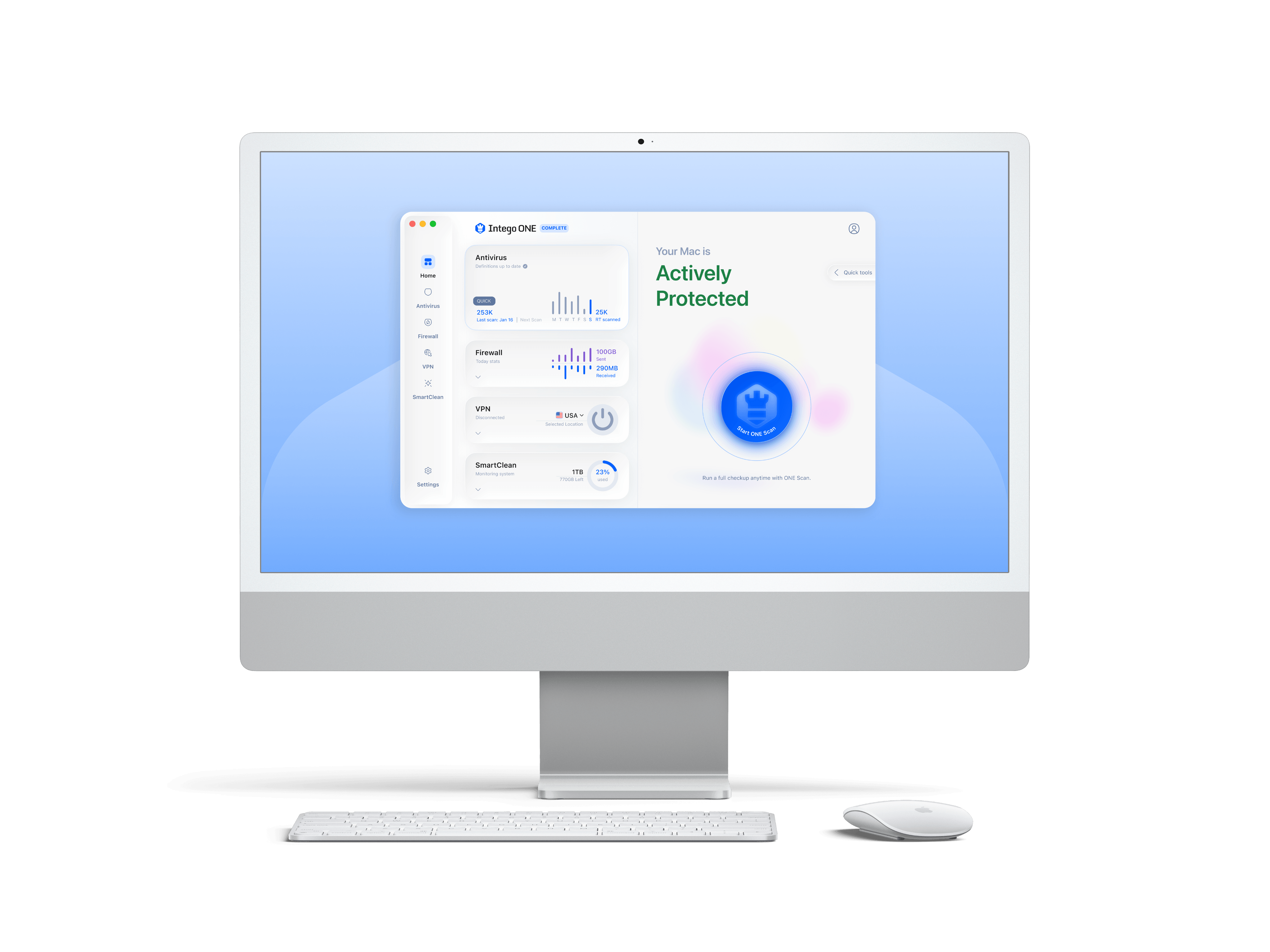
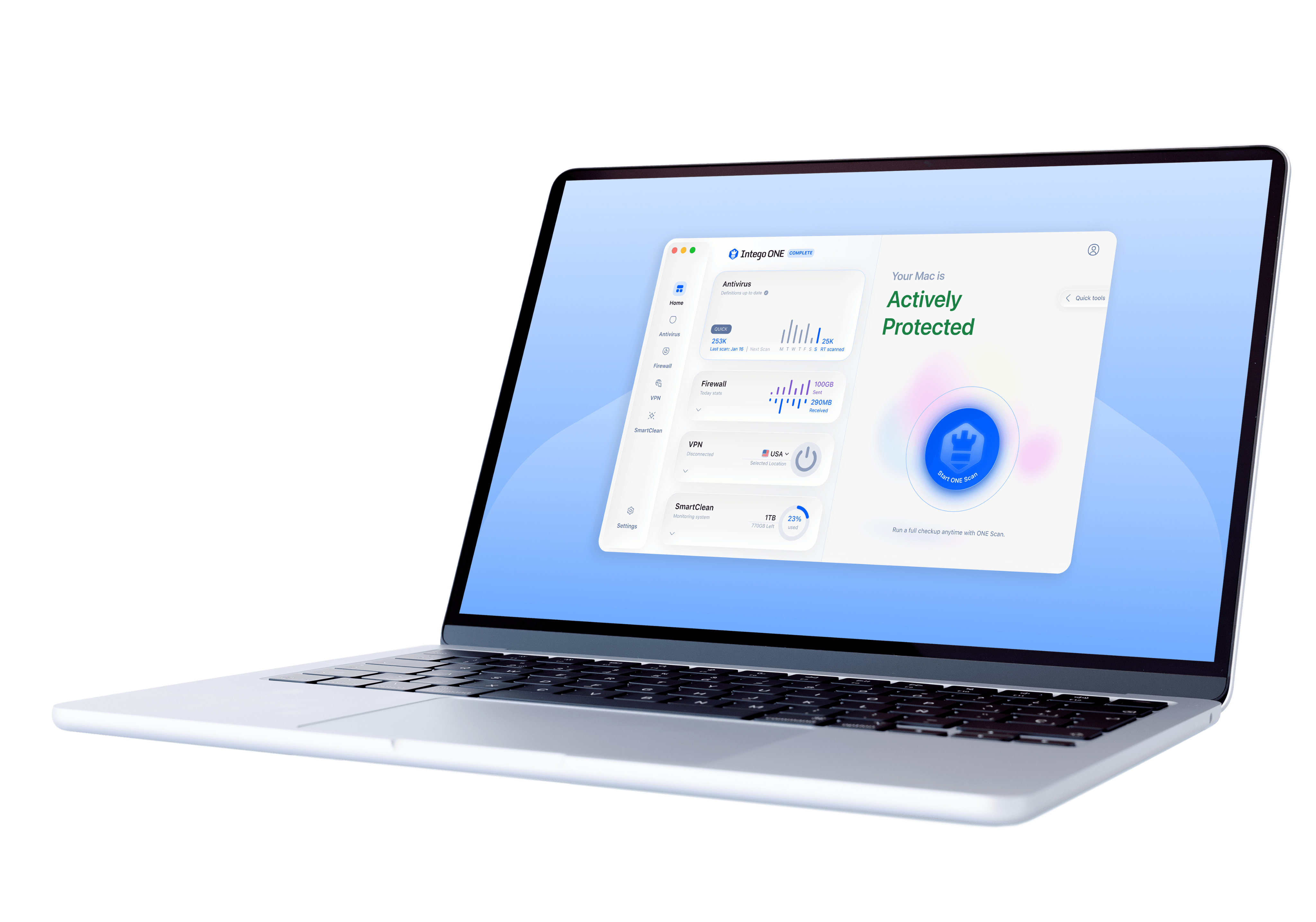
- Antivirus, anti-phishing and anti-spyware
- Firewall network protection for home and on the go
- Parental controls with website and application blocking
- Protects sensitive personal information
- Mac Cleaner speeds up and organizes your Mac
- Personal Backup software for quick and easy recovery in case of a crash
Get Dual Protection
Intego offers the option for a Dual Protection version of our products that allows you to get protection for both your Mac and Windows computers. We partner with Panda, a Windows antivirus protection company, to provide Windows protection. When you select Dual Protection, you get an additional license for 1 Windows computer in addition to the number of Mac computers chosen.
Start Your Free Intego Trial Now
Thank You!
Enter your email address below to start your free trial.
Please check your email to verify your email address and download your free trial
To keep receiving emails from us, please add us to your address book
Personal Backup protects your files even when disaster strikes
Macs Need Antivirus Protection Software, Just Like Any Other Computer
Intelligent Firewall for Home and Hotspot Network Protection
You wouldn’t let your children ride bikes on a freeway would you?
Mac Cleaner Software to Speed Up Your Mac in a Jiffy
- Backs up your digital memories and important documents
- Offers a flexible configuration
- Creates backups for any folder or combination of folders on your Mac
- Backs up to many different types of media such as network drives (including both local and remote drives using FTP), or disk images for easy portability
- Creates bootable backups to easily rebuild your Mac in case of failure or other problems
- Synchronization backups allow you to keep two locations in perfect harmony and flexible configuration for handling conflicts (e.g., when files have changed on each side of the synchronization operation)
- Schedule backups to run when you choose or run them manually
- Highly customizable backup flows (create multiple backup flows, pre-process your files by scanning for viruses or invoking scripts before backing them up, easily create backups that copy or exclude certain types of files, or run post backup scripts or operations such as unmounts on the target drive)
- Automatically wakes up remote computers for backups, and uses a disk image whenever needed
- Battery life support allows you to disable scheduled when your computer is using the battery, helping to preserve battery life
- Keeps your computer free of malware such as Mac viruses, Windows viruses, Unix viruses, Microsoft Word and Excel macro viruses, Trojan horses, worms, spyware, adware, hacking tools, dialers, keyloggers, and scareware (fake security programs)
- Detects Windows malware to prevent your Mac from acting as a carrier
- On-demand malware scans, including full scans for maximum coverage of your entire Mac as well as quick scans for day-to-day use
- Scheduled scans
- 24/7 real-time protection that watches all file activity and makes sure you’re always protected
- Finds malware contained in archive files
- Scans for viruses in emails for popular email clients
- Scans for viruses on iOS devices and finds/eradicates viruses found in document directories on the devices
- Automatically scans external drives when they are mounted
- Flexible options for handling malware (automatically attempt to repair, quarantine malware for later action, or ask what to do on a case-by-case basis)
- Marks trusted folders to speed up scans
- High-performance antivirus quickly scans with a light footprint
- Email notifications when malware is found
- Mac antivirus history logs
- Active application list easily identifies applications using bandwidth as well as incoming vs. outgoing bandwidth for each application
- Logical default profiles for the different kinds of networks you connect to (home, public, and work)
- Automatic profile switching detects when the network connection changes and makes it easy to select a new profile
- Easily blocks/allows connections for specific local devices
- Easily configures primary network channels to/from the Internet and to/from the local network
- Full-time application activity monitoring for anti-spyware measures
- Helps identify rogue applications accessing the Internet to act as zombies, expose your confidential information, or act as backdoors into your computer
- Automatic application activity notification whenever an application is trying to do something on the network (take simple actions to allow or deny the application to run or to interact with specific domains or local devices)
- Blocks objectionable web content, including categories of content, specific web sites, sites with specific keywords, and access to sites requiring https
- Whitelist functionality allows users to access only sites you permit
- Access restrictions tailored by user (e.g., one account for yourself and a more restricted account for your child)
- Browser-embedded UI allows for overriding parental controls and allowing sites so long as the user has the necessary security credentials
- History of websites visited for each user account and the ability to easily block/allow a site from the history list
- Time of day restrictions on network access (restrict access to specific times of day/week, a maximum amount of time per day, or temporarily block a user for a set period of time or until you unblock them manually)
- Anti-Predator chat monitoring for all standard chat protocols to watch for objectionable chat content and block inappropriate chats (receive email alerts whenever objectionable content is detected)
- View history of recorded chats, including the content of the chat and the ID of the chat partner
- Takes screenshots and includes a Time Machine-like control that lets you easily view recorded screens
- Records keystrokes
- Restricts application network access only to applications you allow
- Blocks inappropriate emails
- Blocks connections to game servers or streaming music and video
- Blocks peer-to-peer activity (e.g., BitTorrent)
- Contains a “monitor only” mode that records a user’s activity but does not provide any protections/perform any blocking
- Periodically updates filters to provide ongoing protection against objectionable content
- Web Administration Console allows anytime/anywhere access to ContentBarrier (view web activity and block/allow access to specific sites, allow exceptions to permitted network access times, and view blocked network applications and allow exceptions)
- Email activity reports (e.g., websites that were blocked, blocked chats via AntiPredator or keyword triggering, attempts to access encrypted sites)
- Enables you to easily see files that are slowing your computer down
- Allows you to choose what types of files you want to reclaim with just the flip of a switch
Compatible with Sierra.
Operating System Supported
- Mac OS 10.8 or higher
Minimum Hardware Requirements
- Any officially-supported Mac OS X compatible computer
- 1.5 GB of available hard disk space
- Internet connection required for NetUpdate security updates
Languages
- English, French, German, Japanese, Spanish
Operating System Supported
- Windows 8 32-bit and 64-bit
- Windows 7 32-bit and 64-bit
- Windows Vista 32-bit 64-bit
- Windows XP 32-bit
Minimum Hardware Requirements
- Processor: Pentium 300 MHz or faster
- RAM: 128 MB without TruPrevent
- 512 MB with TruPrevent (1 GB recommended)
- Hard Disk: 275 MB free space
- MS Internet Explorer 6.0
Supported Browsers
- Microsoft Internet Explorer 6.0 or higher
- Mozilla Firefox 2 or higher
- Google Chrome
Mac Internet Security X9 |
Mac Premium Bundle X9 Best Buy!
|
ContentBarrier |
ContentBarrier Secure X9 |
Mac Washing Machine |
Mac Washing Machine Secure X9 |
||
|---|---|---|---|---|---|---|---|
| Mac Security | |||||||
| Protects against malware, viruses, worms, Trojan horses, spyware, and rootkits | |||||||
| Protects against both Mac and PC malware | |||||||
| Dual protection version for customers who use Windows and Macs | |||||||
| Scans iOS devices for malware | |||||||
| Scans external devices for malware | |||||||
| Protects against network attacks and unknown devices via a sophisticated firewall | |||||||
| Protects against suspicious applications | |||||||
| Mac Performance & Utility | |||||||
| Increases performance by reclaiming disk space | |||||||
| Monitors application bandwidth | |||||||
| Backs up your essential files and data | |||||||
| Synchronizes files between two Macs for updating | |||||||
| Creates a bootable backup on an external hard drive | |||||||
| Clears caches to save space on your Mac | |||||||
| Eliminates unnecessary system files | |||||||
| Find and removes duplicate files | |||||||
| Organizes desktop files | |||||||
| Organizes dock for frequently used applications | |||||||
| Creates smart folders for quick access to your most important files | |||||||
| Privacy & Identity Protection | |||||||
| Blocks rogue applications from accessing the network | |||||||
| Blocks applications from accessing specific domains | |||||||
| Parental Control | |||||||
| Blocks or filters objectionable web content | |||||||
| Time of day restrictions on network access | |||||||
| Monitors/blocks chats | |||||||
| Monitors/restricts applications | |||||||
| Provides chat and web history | |||||||
| Records screenshots and keystrokes | |||||||
| Blocks inappropriate emails | |||||||
| Blocks peer-to-peer activity | |||||||
| Offers remote Web Admin Console access | |||||||
| Custom user configuration allows you to tailor different accounts for each user | |||||||
| Convenience & Support | |||||||
| Built specifically for the Mac by Mac experts | |||||||
| Clean, easy-to-use interface | |||||||
| Free technical support | |||||||
| Automatic updates for protection against the latest threats, so you always stay secure |