Secure, fast, clean antivirus for Mac
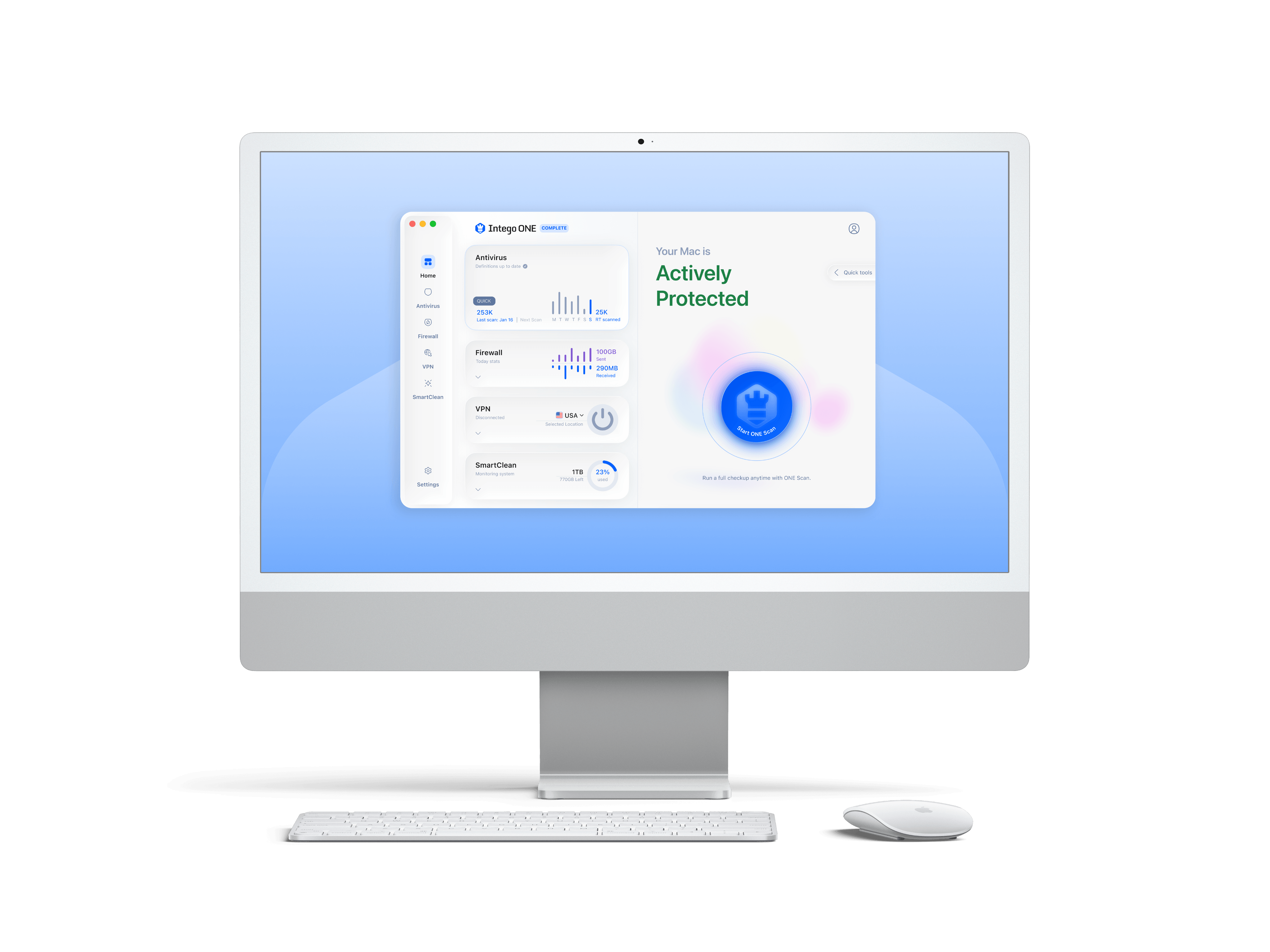
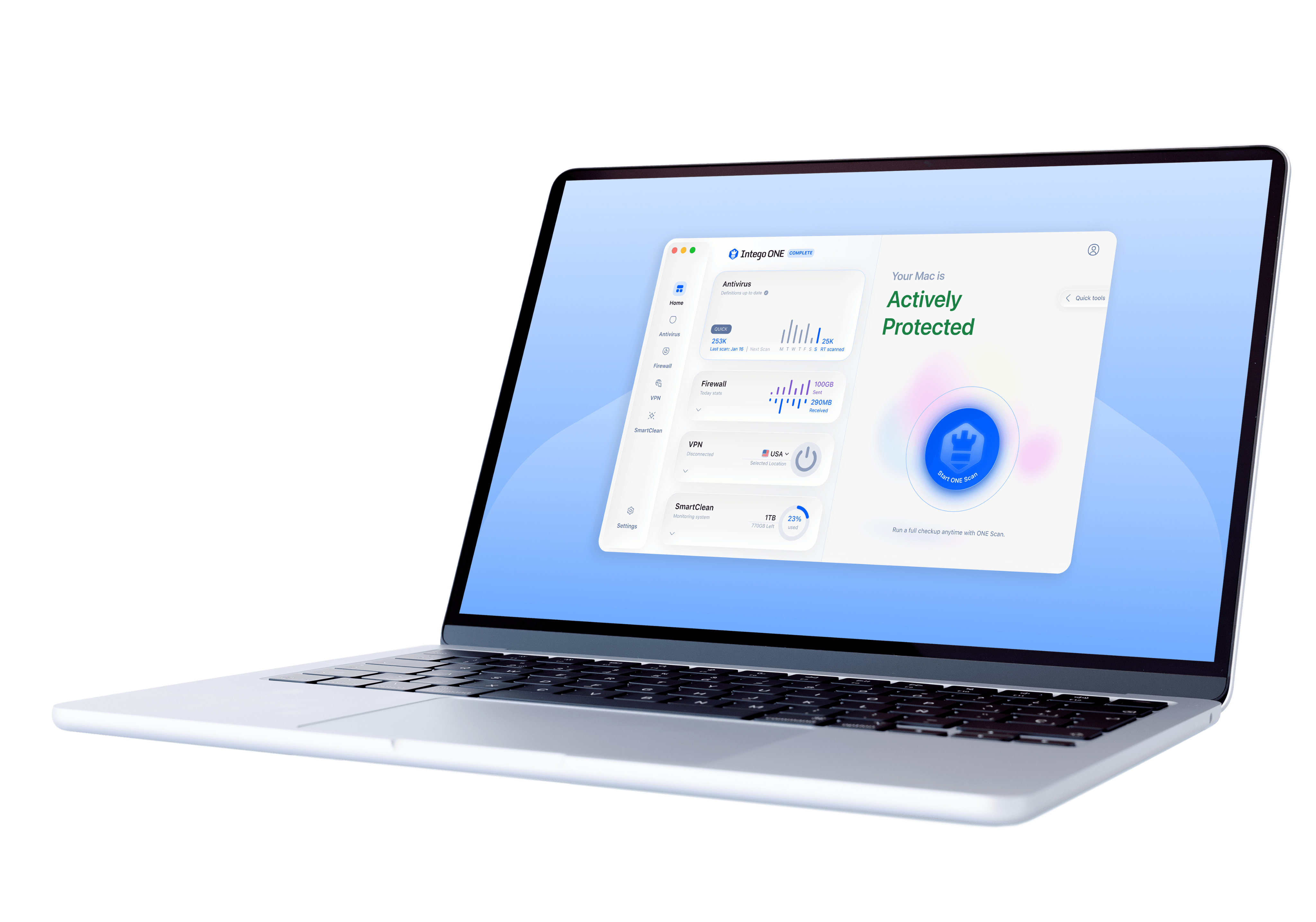
Intego ONE is built for macOS, giving your Mac real-time antivirus, firewall, VPN, and optimization tools in one sleek app.
| Apple | Notarized |
|---|---|
4.8 | Excellent on Trustpilot |
| Mac-First | Since 1997 |
| 30+ Million | Devices Protected |
As seen in




Do Macs really need an antivirus?
For years, people believed Macs were immune to viruses. While Apple builds strong defenses into macOS, new malware, phishing scams, and online threats are evolving constantly. Today, cybercriminals target Macs just as aggressively as Windows PCs. That’s why dedicated Mac antivirus software is essential to keep your files, data, identity, and privacy safe.
Modern threats don’t discriminate. Protect your Mac with confidence. With Intego ONE, you don’t just react to threats - you stay ahead of them.
Smarter Mac security,
faster performance
Everything you need to keep your Mac safe, private, and running at its best.
What your Mac has and
what it’s missing
With Intego ONE, you get stronger protection, true privacy, and smoother performance.

With Intego ONE
Without Intego ONE
Strong Protection
Intego ONE’s antivirus and firewall work together to block threats and unwanted connections before they can reach your Mac.
Exposed to Risks
Viruses, spyware, and hackers can slip past limited built-in defenses, putting your personal data at risk.
Private Browsing
Intego VPN encrypts your internet traffic, masks your IP address, and keeps your online activity truly private.
Online Vulnerability
Without a VPN, your browsing data and location may be visible to your ISP, advertisers, or cybercriminals.
Smooth Optimization
SmartClean clears clutter, frees storage space, and monitors performance so your Mac can run fast and smoothly for long.
Performance Slowdowns
Junk files, unneeded files, and background drains build up, leaving your Mac sluggish over time.
Scan your Mac in just a few clicks

01
Open Intego ONE
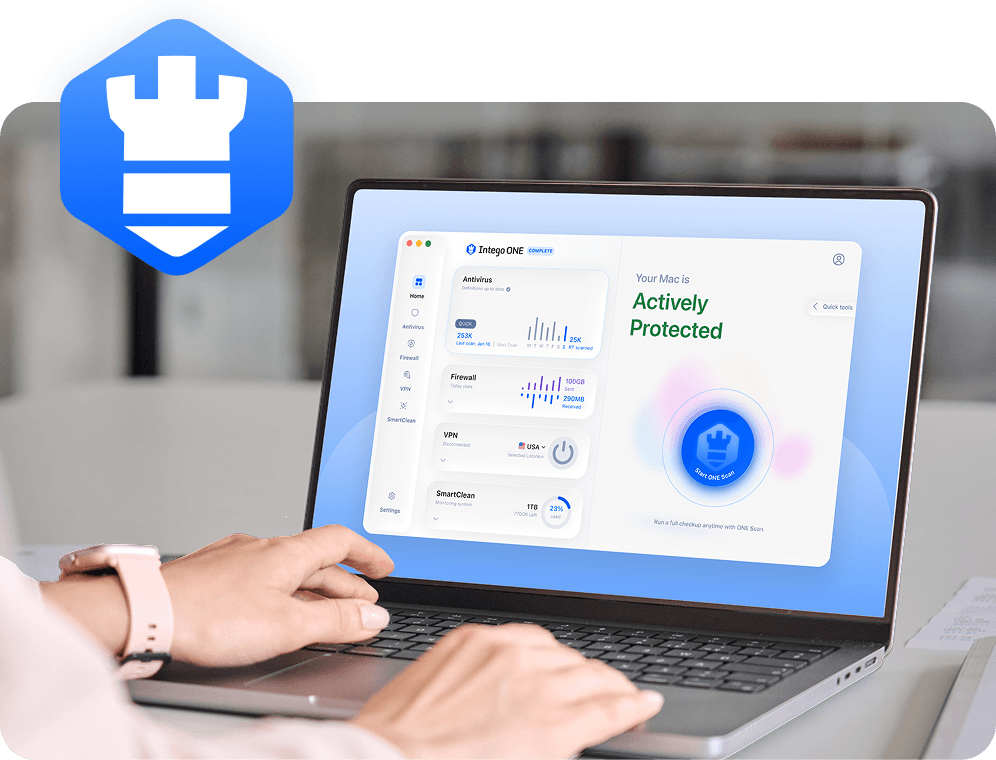
Intego ONE’s Home screen gives you easy access to all protection & optimization tools in one place.
02
Click “ONE Scan”
Choose ONE Scan for complete coverage of your Mac, or choose any other scan that fits your needs.

03
Detect threats
Any suspicious files are instantly identified and quarantined, preventing them from causing harm.

04
Take action
Review the scan results, remove unsafe items with one click, and enjoy peace of mind knowing your Mac is secure.
Why choose Intego ONE Antivirus for Mac
Go beyond basic defenses. See how Intego ONE boosts your Mac’s protection, privacy, and performance.
Features
Intego ONE

macOS Built-In
Real-Time Threat Detection
Limited
Quarantine for Suspicious Files
Malware Remediation
Limited
External Drive & USB Scans
Firewall with Custom Rules
Limited
VPN for Private Browsing
Junk File Cleaning
Four essential tools,
ONE solution
Intego ONE for Mac is designed to keep your computer safe, private, and running smoothly.

Antivirus
Intego’s real-time protection, engineered for macOS, blocks threats instantly- from viruses and ransomware to spyware - so your Mac stays secure without interruptions, 24/7.

Firewall
Take control of your computer’s connections. Our firewall shields you from hackers, blocks unwanted traffic, and keeps your personal data out of the wrong hands.

SmartClean
Give your computer a fresh start in minutes. SmartClean clears junk files, reclaims wasted space, and boosts performance - so your computer feels faster, lighter, and more responsive.

Intego VPN
Browse with true privacy, wherever you are. Intego VPN encrypts your Internet traffic and masks your IP address so you can stream, shop, and connect with total confidence.
Minimum System Requirements
Intego ONE is lightweight and built to run seamlessly on supported Macs. To install, you’ll need:
What our most satisfied customers say
{"trustpilotBtnText":"Testimonials","techReviewsBtnText":"Reviews","hideCarousel":false,"selectedType":"testimonials","legalText":"We sometimes pay review sites to refer customers to us."}Award-winning security for Mac and PC

AV Test

AV Comparatives

VB100

Gold Award Winner

TopTenReviews

Editors Choice
Our 30-day
money-back guarantee
Install Intego in minutes and run your first scan right away. If you are not completely satisfied, contact our support team within 30 days for a refund. No hassle, no long forms, and no hard feelings.
Intego
Trusted. Proven. Powerful.
Driven by innovation for over 25 years, Intego has provided advanced cybersecurity solutions built to protect what matters most — your data, your privacy, and your devices.
With award-winning antivirus, firewall, VPN, and system optimization tools, Intego combines powerful defense with the simplicity and reliability Mac and PC users expect.