Web skimming attacks: How to protect your payment details

  • Malicious checkout code can steal card details as you enter them

  • A compromised store may look and work completely normally

  • Payment alerts can help you spot fraudulent charges sooner

  • Safer shopping habits and Mac protection help reduce related risks

What is web skimming?

Web skimming is a cyberattack that targets online checkout pages. Criminals add hidden code that copies the information you enter, such as your card number, name, address, email, or login details. Your payment may still go through normally, so you may not notice that anything has happened.

Web skimming is also called digital skimming, online skimming, or e-skimming. It targets the website rather than your device, so it can affect you even if your Mac is up to date. Criminals may use the stolen information to make purchases or sell it to others. Web skimming overlaps with formjacking, a broader term for stealing information entered into compromised online forms.

Checkout page skimming

Attackers place malicious code directly on a store’s checkout page. It records payment and personal information when a customer completes an order.

Third-party script attacks

A compromised chat tool, analytics service, advertising script, or customer review feature can load skimming code onto multiple websites that use it.

Supply chain skimming

Attackers target software or services used by many online stores. This can expose customers across several websites at once.

Account-based injection

Attackers steal the login details of a website administrator or developer. They then use the account to add harmful code, change website files, or alter payment settings.

How does a web skimming attack work?

A web skimming attack usually starts when criminals find a way into an online store or one of the services it uses. They then add hidden code that waits for customers to enter valuable information.

01

Attackers gain access

Attackers may use outdated website software, a weak plugin, stolen login details, a phishing attack, or a compromised third-party service.

02

Skimming code is added

They inject a small piece of malicious JavaScript into a checkout page, payment form, tag manager, or another script that loads during the purchase.

03

A shopper checks out

The website looks and works normally. The customer selects a product and enters their name, address, login details, and payment information as usual.

04

The details are copied

When the customer submits the form, the skimming code secretly records some or all of the information before the buyer completes the process.

05

Data reaches the attacker

The code sends the stolen information to the attackers. They may use it to commit fraud or sell it to other criminals.

What are real-world examples of
web skimming?

Web skimming has affected well-known companies as well as smaller stores. These examples show how attackers can steal customer information through checkout pages and third-party tools.

British Airways, 2018

Attackers changed a JavaScript file on the British Airways website. The harmful code copied customers’ payment details during checkout and sent them to a website controlled by the attackers. The wider attack potentially exposed personal data belonging to about 429,000 people.

Ticketmaster UK, 2018

Ticketmaster used a chatbot from Inbenta Technologies on its payment page. Attackers added harmful code to the chatbot’s JavaScript, allowing it to copy customers’ personal and payment details. This case shows how a compromised third-party tool can put customers at risk.

Newegg, 2018

Attackers added harmful JavaScript to Newegg’s checkout page. When customers entered their card details, the code copied them and sent them to a domain controlled by the attackers. The checkout continued to work normally, making the attack difficult for customers to notice. Researchers linked the attack to Magecart.

What are the risks and impacts
of web skimming?

Web skimming can harm both customers and the affected business.

Payment card fraud

Criminals may use stolen card numbers, expiry dates, and security codes to make purchases. They may also sell the details to other criminals.

Identity theft

Criminals may combine stolen names, addresses, phone numbers, passwords, and payment details with information from other sources. They can then use it to impersonate or scam the victim.

Business disruption

The affected store may need to investigate the attack, remove the harmful code, secure its website, and contact customers. It may also need to take parts of its website offline temporarily.

Loss of trust

Customers may stop using a store after learning that it exposed their information. The business may also face complaints, payment disputes, legal action, and recovery costs.

Who is most at risk from
web skimming?

Web skimming can affect anyone who enters personal or payment information online. However, some shoppers and businesses face a greater risk.

How can you protect yourself from
web skimming?

You can’t easily tell when a store’s website contains skimming code. However, basic cybersecurity habits can help you reduce the information you expose and act quickly if something goes wrong.

Use trusted stores

Shop on websites you know and trust. Type the store’s address into your browser when possible, and be careful with links in unexpected emails, messages, or online ads.

Choose safer payments

Use Apple Pay or another digital wallet when available. It doesn’t share your actual card number with the store.

Turn on payment alerts

Enable purchase notifications from your bank or card provider. This can help you spot unfamiliar charges quickly.

Protect store accounts

Use a unique password for every shopping account. Turn on two-factor authentication when available to make stolen login details harder to use.

Respond to suspicious charges

Contact your card provider immediately about any charge you don’t recognize. Review recent transactions and change any password entered on a compromised website.

How Intego helps protect your Mac from related threats

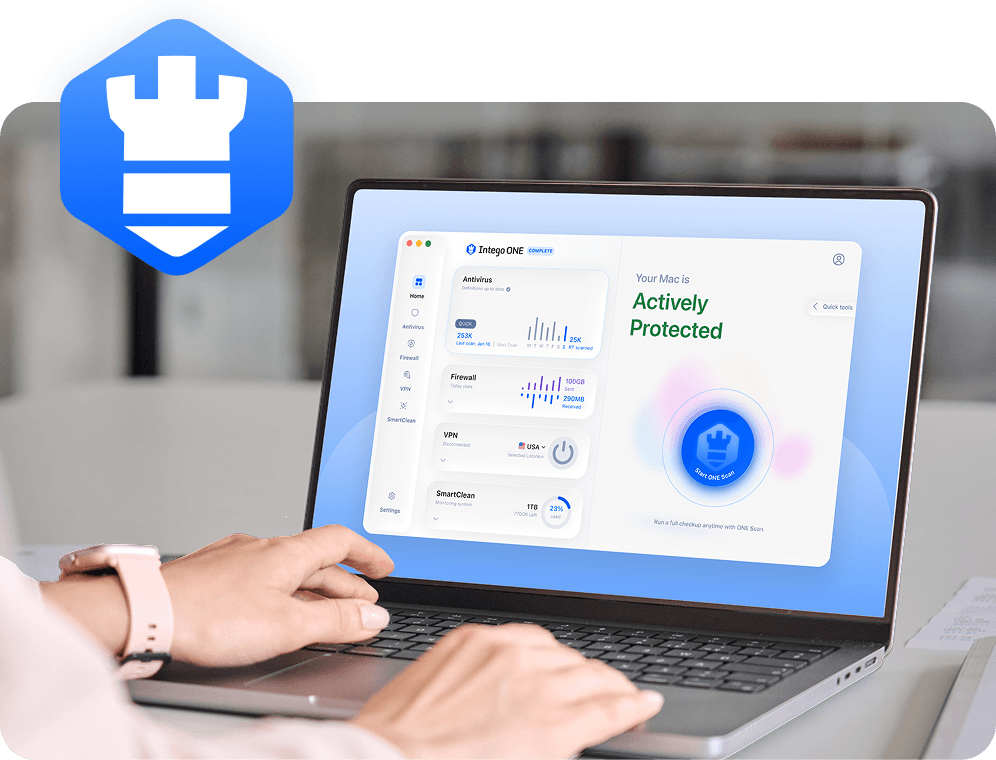
Web skimming code runs on the retailer’s website, so antivirus software can’t guarantee that it will detect or stop the attack. However, Intego ONE Antivirus can help protect your Mac from harmful files and malware linked to fake receipts, phishing messages, and follow-up scams.

Real-time file scanning

Real-time protection checks files when they’re downloaded, opened, or accessed and can quarantine known Mac malware before it causes further harm.

Manual and custom scans

Manual and custom scans let you check downloaded files, email attachments, and selected folders when you’re unsure whether something is safe to open.

Scheduled Mac scans

Scheduled scans regularly check your Mac for known threats that may have arrived through a malicious download, fake receipt, or follow-up phishing message.

Automatic threat-definition updates

Threat definitions are updated so Intego Antivirus can recognize newly identified malware as it’s added to Intego’s known-threat database.

Frequently asked questions

Intego

Trusted. Proven. Powerful.

Driven by innovation for over 25 years, Intego has provided advanced cybersecurity solutions built to protect what matters most — your data, your privacy, and your devices.

With award-winning antivirus, firewall, VPN, and system optimization tools, Intego combines powerful defense with the simplicity and reliability Mac and PC users expect.

Money Back Guarantee Image

Get total protection and peak performance for your computer