What is vishing? Meaning, examples, and protection tips

  • Vishing means voice phishing, usually through scam phone calls

  • Scammers can fake caller ID to look more trustworthy

  • Calls often create urgency around money, accounts, or security

  • Safer habits and Mac protection can help reduce the damage

What is vishing?

Vishing (voice phishing) is a phishing scam that happens over the phone. Scammers call, leave voice messages, or send voice notes to trick people into sharing private information, sending money, approving a login, resetting an account, or doing something unsafe.

The caller may pretend to be from your bank, a delivery company, a government agency, tech support, or even your workplace. They may say there is a serious problem with your account, payment, computer, or personal details. The goal is to make you act quickly before you have time to check whether the call is real.

Bank scams

Scammers pretend to be from your bank and warn you about suspicious activity. They may ask for card details, one-time codes, login information, or a “safe” transfer.

Fake IT support calls

Fake support callers claim your computer, Apple ID, or online account has a serious problem. The goal is to convince you to install software, share account details, or grant remote access.

Government impersonation

The caller pretends to be from a tax office, police department, immigration office, or security agency. These calls often use threats, fines, or urgent legal pressure.

Workplace impersonation

Attackers call employees while pretending to be a manager, IT support, vendor, or colleague. They may ask for passwords, payment changes, account resets, or internal information.

AI voice scams

Some criminals use AI-generated voices to imitate family members, friends, or colleagues. A fake emergency or urgent request is then used to persuade victims to send money or reveal sensitive information.

How does vishing work?

Vishing works by making a phone call feel urgent, official, or personal. Scammers rely on pressure and trust, not advanced hacking, to make people share information or take unsafe action.

01

Attackers choose a target

Scammers may target random phone numbers, leaked contact lists, customers of a specific company, or employees with access to money, accounts, or internal systems.

02

They create a believable story

The caller pretends there is a problem that needs immediate attention, such as bank fraud, a blocked account, unpaid tax, a delivery issue, or urgent IT support.

03

Caller ID may be faked

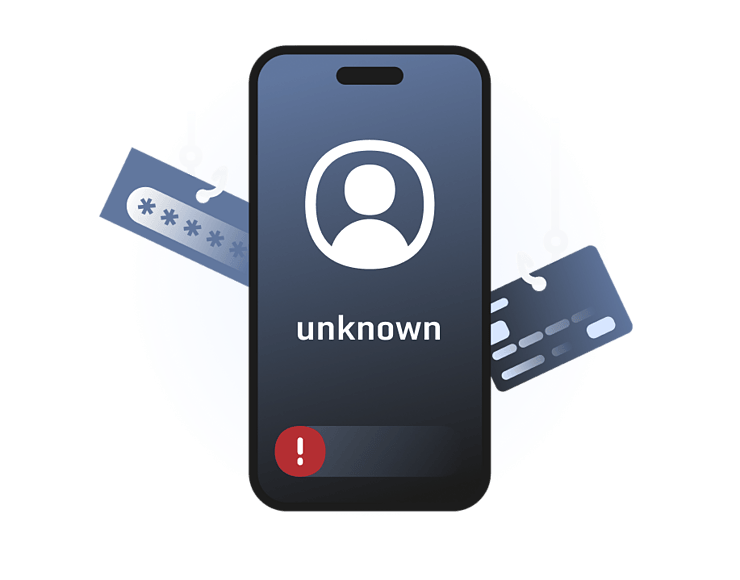
Scammers can make the call look like it comes from a trusted number. It may appear local, official, or similar to a real company line.

04

The caller pressures action

They may ask for passwords, codes, payments, remote access, or personal information. The pressure is designed to stop you from checking the story independently.

05

The scam continues

If the call works, attackers may steal money, take over accounts, send more phishing messages, install unsafe software, or use the victim to reach other people.

Real-world examples of vishing

Vishing scams don’t always sound like obvious scam calls. Many real cases involve fake authority, caller ID tricks, help-desk pressure, or AI-generated voices that make the call sound more believable.

CISA impersonation calls, 2024

In 2024, CISA warned that phone scammers were pretending to be CISA employees. The agency told people not to pay the caller, to hang up, and to check the call by contacting CISA through its official number. This is a clear example of vishing using a trusted name and urgent pressure to make the story feel real.

Senior official impersonation, 2025

In 2025, the FBI warned that malicious actors were impersonating senior US officials through text and voice messaging attacks. The FBI said some voice messages may use AI-generated voices, especially when scammers pretend to be public figures or personal contacts. This shows how vishing can feel more convincing when criminals use AI to copy a familiar or trusted voice.

Scattered Spider help-desk attacks, 2023–2025

Scattered Spider has used phone-based deception against IT help desks, including attempts to trick support staff into resetting passwords or changing login security. This shows how vishing can target businesses, not just individuals, especially when attackers know who to call and what request to make.

What are the risks and
impacts of vishing?

The biggest risk is trusting the caller and doing something unsafe. One convincing phone call can lead to stolen money, exposed accounts, or unwanted access to your Mac.

Stolen information

Scammers may collect names, addresses, card numbers, passwords, one-time codes, security answers, or workplace details that can be used in later attacks.

Financial loss

Vishing calls often push people to send money, approve payments, buy gift cards, transfer funds, or move money into accounts controlled by scammers.

Account takeover

If attackers get login details or security codes, they may access email, banking, Apple ID, cloud storage, work tools, or social media accounts.

Unsafe downloads

Some callers push victims to install remote-access tools, fake support apps, or malicious files. This can expose the Mac or give attackers more control.

Who is most at risk
from vishing?

Anyone can receive a vishing call, but the risk is higher when the caller has enough information to sound believable or the victim has access to money, accounts, or internal systems.

How can you protect yourself
from vishing?

You may not be able to stop every scam call from reaching you, but you can make vishing much harder to pull off. The safest approach is to slow down, verify the request separately, and avoid sharing anything sensitive over the phone.

Don’t trust caller ID

Caller ID can be faked, so a familiar number isn’t proof. Hang up and call the company back using a number from its official website or app.

Never share codes

Don’t read out one-time passwords, MFA codes, card PINs, recovery keys, or password reset links. Legitimate companies shouldn’t ask for these.

Slow the caller down

Scammers rely on panic and urgency. Pause, ask questions, refuse pressure, and verify the story through another channel before doing anything.

Avoid remote access

Don’t install software or allow remote access because of an unexpected call. Fake tech support scams often use this to control your device.

Report suspicious calls

Report vishing attempts to the relevant company, your bank, workplace security team, phone provider, or local cybercrime and consumer protection authorities.

How Intego helps after suspicious calls on your Mac

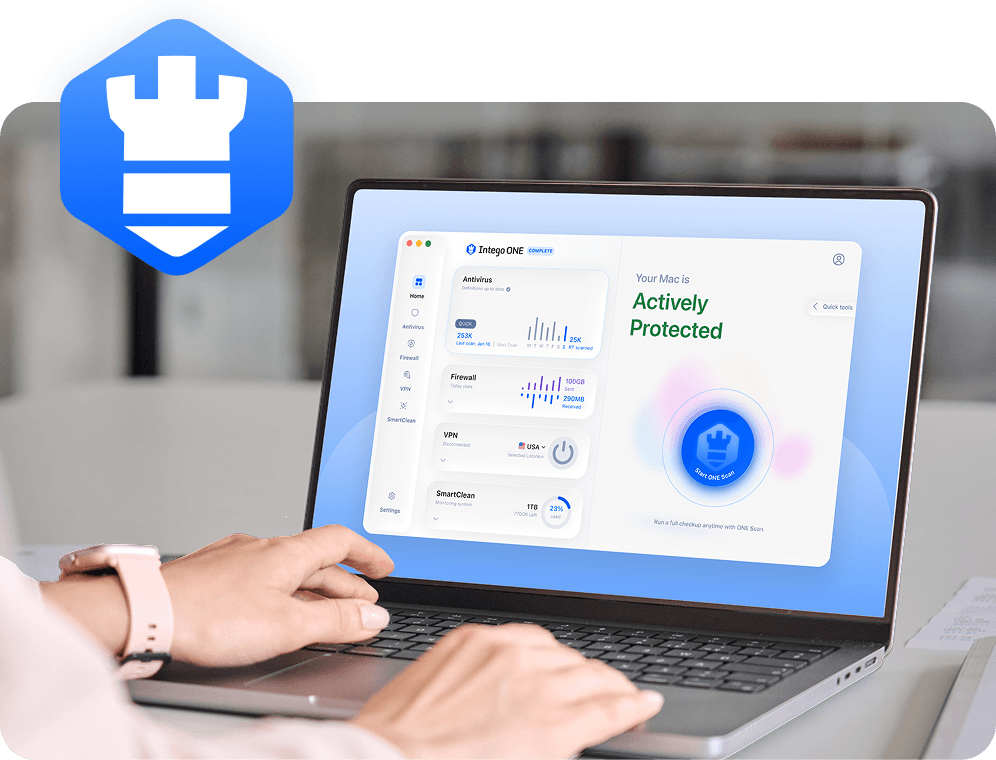
Vishing starts with a phone call, so Intego ONE can’t stop someone from calling you or prevent every social engineering scam. What it can do is help protect the Mac you use to browse, download files, manage accounts, and recover after a suspicious call.

Malware detection

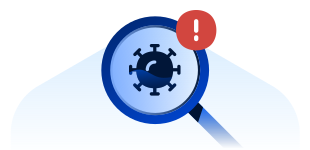
If a caller tricks you into downloading a file or fake support tool, Intego’s antivirus protection can help detect known Mac malware and unsafe files.

Connection control

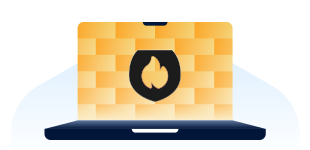
Intego’s firewall helps you control which apps can connect to the internet and other networks, so unexpected app connections are easier to spot and block.

Suspicious file checks

After a suspicious call, you can scan your Mac for unsafe files, fake support downloads, or other threats you may have been tricked into opening.

Mac app review

SmartClean helps you review installed apps and running items, which can be useful if a suspicious caller convinced you to install something.

Frequently asked questions

Intego

Trusted. Proven. Powerful.

Driven by innovation for over 25 years, Intego has provided advanced cybersecurity solutions built to protect what matters most — your data, your privacy, and your devices.

With award-winning antivirus, firewall, VPN, and system optimization tools, Intego combines powerful defense with the simplicity and reliability Mac and PC users expect.

Money Back Guarantee Image

Get total protection and peak performance for your computer

×

KICKOFF SALE

Wait! Limited time World Cup savings

Block threats, browse privately, and
boost performance in ONE app.

SAVE 50%

30-day money-back guarantee

Rated #1 by Macworld