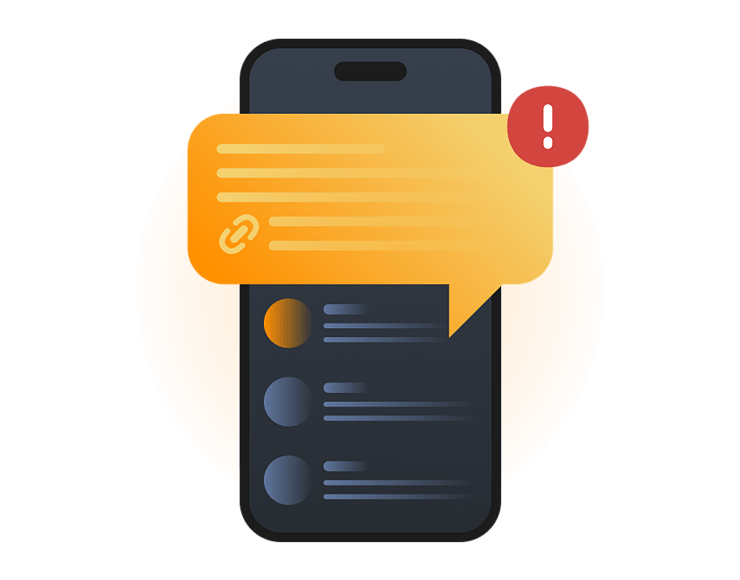
Smishing is SMS phishing, a scam that happens through text messages. Scammers use SMS, iMessage, or other mobile messages to trick people into tapping links, sharing private information, sending money, or downloading unsafe files.
A smishing message usually creates a sense of urgency, such as claiming there's a problem with your account, a missed delivery, or an unpaid fee. The goal is to pressure you into acting quickly before you have time to verify whether the message is genuine. If successful, a smishing attack can lead to stolen passwords, financial fraud, identity theft, or malware infections.
Delivery scams
Fake delivery texts claim there is a problem with your package. They may ask you to tap a link, update your address, or pay a small redelivery fee.
Bank alerts
These texts pretend to warn you about fraud, suspicious activity, or a large payment. Scammers try to get you to confirm account details, call a fake support number, or follow a malicious link.
Toll scams
Scammers send texts claiming you owe a road toll, parking fee, or traffic payment. The amount is often small, but the link is designed to steal payment details.
Prize scams
Some messages say you won a prize, refund, voucher, or loyalty reward. The scam usually asks for personal details or a payment before you can “claim” it.
Work messages
Attackers may pretend to be a manager, recruiter, IT support, or coworker. Their goal is often to steal login credentials, request payments, or trick employees into following fake instructions.
Smishing works by making a text message look useful, urgent, or familiar. The message is usually short, so scammers rely on timing, trusted names, and pressure to make people tap before checking.
01
Scammers choose a lure
The message starts with a believable reason to act, such as a missed delivery, bank alert, unpaid toll, fake refund, job offer, or account warning.
02
They hide the risk
The text may include a shortened link, copied branding, or a lookalike website address. Some messages also ask you to reply, call a fake support number, or download an app that appears legitimate.
03
You are pushed to act
The scam creates urgency with words like “final notice,” “account locked,” “payment failed,” or “verify now.” This pressure makes the link feel more important.
04
Details are stolen
A fake website may ask for passwords, card numbers, one-time codes, personal details, or Apple ID information. The page may look close to the real thing.
05
The scam continues
Attackers may use stolen details to access accounts, make fraudulent purchases, steal money, or commit identity theft. In some cases, they also use compromised accounts or phone numbers to target other victims with similar scams.
Real-world examples of smishing
Smishing is common because scammers can send short messages at scale and make them look timely. Recent official warnings show how text scams copy trusted brands, services, and agencies.
FTC text scams, 2024
The FTC reported that consumers lost $470 million to scams that started with text messages in 2024. Common themes included package delivery problems, fake fraud alerts, unpaid tolls, false prizes, and job scams. This shows how smishing can target everyday moments people are likely to respond to quickly.
Road toll texts, 2024
In 2024, the FBI’s IC3 warned about smishing texts pretending to come from road toll collection services. The messages claimed the person owed money and included a link for payment. IC3 said it had received more than 2,000 complaints, and the scam appeared to be moving from state to state.
USPS package scams, 2025
The US Postal Inspection Service warned about package tracking smishing scams in 2025. These fake texts often claim there is a delivery problem and try to collect personal or financial information. Delivery smishing works because many people are waiting for packages and may tap quickly without checking.
What are the risks and impacts of smishing?
The main risk is that one text pushes you into giving scammers something valuable. A quick tap, reply, or payment can lead to bigger account, money, or device problems.
Stolen information
Smishing messages may collect passwords, card numbers, addresses, Social Security numbers, Apple ID details, or one-time codes through fake forms or copied websites.
Financial loss
Fake tolls, delivery fees, bank alerts, prizes, and job offers can lead to card theft, bank fraud, payment scams, or money transfers to criminals.
Account takeover
If scammers steal your password or verification code, they may access email, banking, shopping, cloud storage, social media, or work accounts.
Unsafe downloads
Some smishing links lead to fake apps, profiles, attachments, or files. These can expose your device or push you toward more dangerous scams.
Who is most at risk from smishing?
Anyone with a phone can receive smishing texts, but the risk is higher when the message feels timely, familiar, or connected to something you already use.
Online shoppers
People waiting for packages are more likely to trust delivery messages, especially during holidays, sales periods, or after placing real online orders.
Banking users
Anyone using mobile banking, payment apps, or card alerts may be targeted with fake fraud warnings, payment checks, or urgent account messages.
Older adults
Scammers often use fear, fees, government names, or family-style emergencies to pressure older adults into tapping links or sharing sensitive details.
Employees
Workers can be targeted with fake IT, payroll, recruiter, vendor, or manager messages that try to steal logins or trigger unsafe business actions.
How can you protect yourself from smishing?
You may not be able to stop every scam text, but you can avoid the risky actions scammers want. The safest approach is to pause, check separately, and avoid using links from unexpected messages.
Don’t tap links
Avoid links in unexpected texts, even if the message looks familiar. Open the company’s official app or website yourself, or learn how to check suspicious links safely.
Don’t reply
Replying can confirm your number is active. Use your phone’s report junk option, block the sender, or forward spam texts to your provider if available.
Check the sender
Scammers can fake names, numbers, and message threads. Treat unknown numbers, odd links, spelling mistakes, and urgent wording as warning signs.
Never share codes
Don’t send one-time passwords, MFA codes, card PINs, or recovery links by text. Legitimate companies shouldn’t ask for these.
Report the message
Report smishing texts to the company being copied, your phone provider, your workplace security team, or your local consumer protection or cybercrime authority.
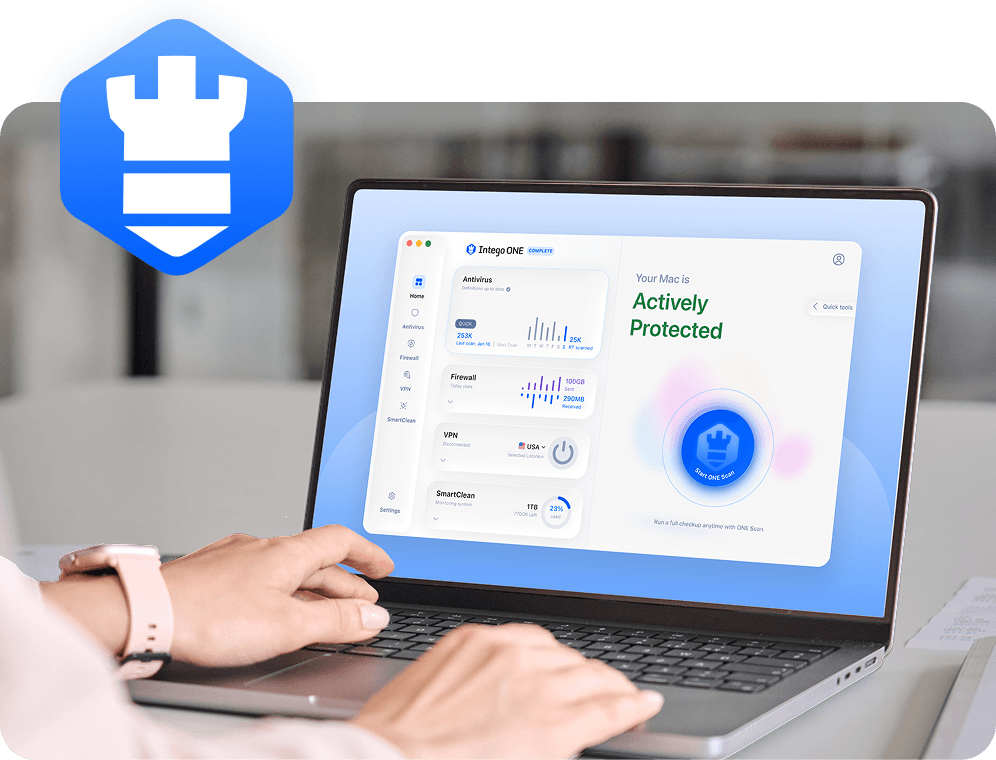
Smishing starts with a text message, so Intego ONE can’t stop every scam text from reaching your phone. It can help protect the Mac you use to check accounts, open links, download files, and recover after suspicious messages.
Intego’s firewall helps you control which apps can connect to the internet and other networks, so unexpected app connections are easier to spot and block.
Suspicious file checks
After clicking a suspicious link, you can scan your Mac for unsafe files, fake downloads, or other threats you may have been tricked into opening.
You can reduce smishing risk by avoiding links in unexpected texts, not replying to suspicious messages, and checking requests through official apps or websites. Never share passwords, MFA codes, card PINs, or recovery links by text. You can also use your phone’s report junk option, block repeat senders, and report impersonation attempts to the company being copied.
If you fall for smishing, scammers may steal passwords, payment details, personal information, or one-time codes. They may use that information to take over accounts, make payments, send more scams, or impersonate you. If money or banking details were involved, contact your bank quickly. Then change exposed passwords and check your accounts for suspicious activity.
Common smishing tactics include fake delivery updates, bank fraud alerts, unpaid toll notices, prize messages, job offers, account warnings, and fake security checks. Many messages use urgent wording, shortened links, copied branding, or small payment requests to make the scam feel normal. Some also ask you to reply or call a fake support number.
If you clicked a smishing link, don’t enter any information. Close the page, take a screenshot if needed, and report the message. If you entered a password, change it from the real website or app. If you shared card or bank details, contact your bank. If you downloaded anything on your Mac, run a security scan.
Opening a smishing text is usually not the main problem. The bigger risk is tapping a link, replying, calling a number, entering information, sending money, or downloading something. If you only opened the message, delete it or report it as junk. If you interacted with it, check your accounts and take action quickly.
Yes, smishing messages can use spoofed or misleading numbers. Some may appear in existing message threads or look like they came from a trusted company. A familiar sender name or number isn’t proof that the message is safe. Use the official app or website instead of following links or phone numbers from the text.
Intego
Trusted. Proven. Powerful.
Driven by innovation for over 25 years, Intego has provided advanced cybersecurity solutions built to protect what matters most — your data, your privacy, and your devices.
With award-winning antivirus, firewall, VPN, and system optimization tools, Intego combines powerful defense with the simplicity and reliability Mac and PC users expect.