DNS spoofing is a cyberattack that tricks your browser or device into going to the wrong website. DNS is the system that turns a website name, like your bank or email provider, into the internet address your Mac uses to reach that site. When DNS is tampered with, a real-looking web address can lead somewhere untrusted.
DNS spoofing can happen through poisoned DNS records, compromised routers, unsafe networks, or malware that changes how your Mac connects to websites. It often overlaps with phishing because the fake destination may look like a real login page. It can also connect to man-in-the-middle attacks, where someone interferes with your connection and redirects traffic between you and the site you meant to visit.
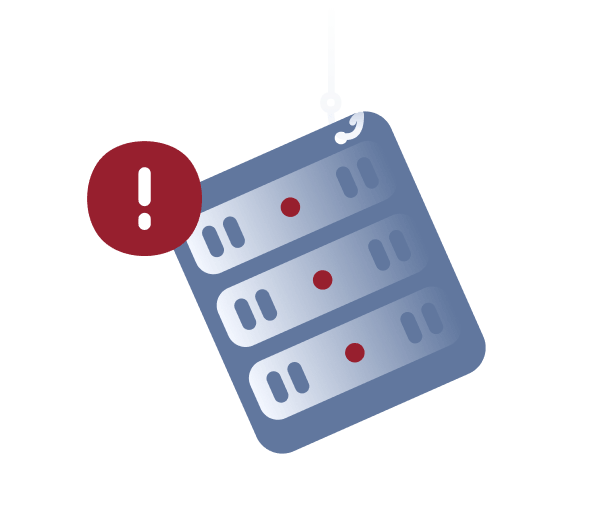
DNS cache poisoning
False DNS information is stored in a DNS server’s cache. Until it is corrected or expires, users may be sent to the wrong website.
Router DNS changes
A compromised router can be changed to use malicious DNS servers. This can affect several devices on the same home or office network.
Malware-based changes
Malware or unwanted software on a Mac may change DNS settings, browser behavior, or network preferences without the user noticing.
Fake Wi-Fi redirects
On unsafe public Wi-Fi, attackers may interfere with DNS requests or use network tricks that send people toward fake login pages or scam websites.
DNS spoofing works by changing the answer your device receives when it asks how to reach a website. Instead of reaching the real site, your browser may be sent to an attacker-controlled page.
01
You request a site
You type a website address or click a saved bookmark. Your Mac asks DNS how to reach that website so the browser can load it.
02
The DNS answer changes
An attacker interferes with the DNS response, DNS cache, router settings, or local network configuration. Your Mac is then directed to the wrong destination.
03
The fake site loads
Your browser may open a page that looks like the site you expected. The address, design, or login form may seem convincing at a quick glance.
04
Data may be captured
If you enter login details, payment information, or personal data, the fake site may capture that information before redirecting you or showing an error.
05
The risk continues
If the issue is tied to malware, router settings, or poisoned DNS records, the redirects may continue until the problem is removed or corrected.
What are real-world examples of DNS spoofing?
DNS spoofing can appear as a normal browsing problem at first. A familiar website may redirect unexpectedly, several devices on the same network may behave strangely, or a login page may not look quite right even though the address seems familiar.
Brazilian bank redirects, 2016
In 2016, attackers targeted customers of several Brazilian banks by changing DNS records connected to the banks’ domains. Users who tried to visit legitimate banking websites were redirected to convincing fake versions designed to capture login credentials and personal information. Because the web addresses looked familiar, many users didn’t immediately realize they had been sent somewhere suspicious.
MyEtherWallet DNS hijacking, 2018
In 2018, attackers redirected some MyEtherWallet users to a fake version of the cryptocurrency wallet site after interfering with DNS routing. The fake page looked convincing enough to trick users into entering wallet details, and attackers stole cryptocurrency from affected accounts. This shows how DNS manipulation can send people to a fake destination even when they think they are visiting a familiar website.
Router DNS hijacking, 2026
In 2026, security agencies warned that attackers were exploiting vulnerable home and small-office routers to support DNS hijacking and adversary-in-the-middle activity. By changing router behavior or DNS settings, attackers could redirect traffic through attacker-controlled infrastructure and target passwords or authentication tokens. Router-based attacks can affect every device on a network, so strange redirects may appear across Macs, phones, and tablets at the same time.
What are the risks and impacts of DNS spoofing?
The main risk is being sent somewhere you didn’t intend to go. If the fake site looks convincing, DNS spoofing can quickly lead to stolen passwords, payment fraud, or exposed personal information.
Password theft
A fake login page can collect email, banking, or work passwords if the user doesn’t realize the site is fake.
Payment fraud
Spoofed checkout pages or payment portals may try to capture card details, billing information, or other sensitive data.
More phishing exposure
DNS spoofing can make phishing attacks more convincing by directing users to fake pages that look legitimate at first glance.
Network-wide impact
If a router or DNS server is affected, several devices may be redirected, including Macs, phones, tablets, and other devices on the same network.
Who is most at risk from DNS spoofing?
Anyone can be affected, but DNS spoofing is more likely to succeed on unsafe networks or when people rely on compromised routers or ignore browser warnings.
Public Wi-Fi users
People who sign into accounts on shared or unfamiliar Wi-Fi may face more risk if the network is untrusted or redirects are being manipulated behind the scenes.
Home router users
Households and small offices with outdated router firmware or weak admin passwords may be more exposed to unauthorized DNS changes.
Frequent logins
People who regularly sign into email, banking, shopping, or work accounts may be more at risk if a fake login page captures their credentials.
Small teams
Small businesses may not notice DNS issues quickly, especially if several users report browser redirects, login problems, or unusual website behavior separately.
How can you protect yourself from DNS spoofing?
You cannot control every DNS system on the internet, but you can reduce the risk by watching for strange redirects, securing your network, and protecting the devices you use to browse and sign in.
Check website details
Watch for strange URLs, browser warnings, broken pages, or login forms that don’t look right. Do not enter passwords when something looks off.
Use trusted networks
Avoid signing into sensitive accounts on public Wi-Fi. If you must connect, use extra caution with banking, email, and work accounts, and consider using a VPN on shared networks.
Secure your router
Change the default router admin password, keep router firmware updated, and check DNS settings if several devices start redirecting unexpectedly.
Keep your Mac updated
Install macOS, browser, and security updates. Updates can fix security weaknesses that malicious sites, network attacks, or unwanted software may try to exploit.
Run antivirus scans
Use trusted Mac antivirus software to help detect malware or unwanted apps that may change DNS, browser, or network settings on your Mac.
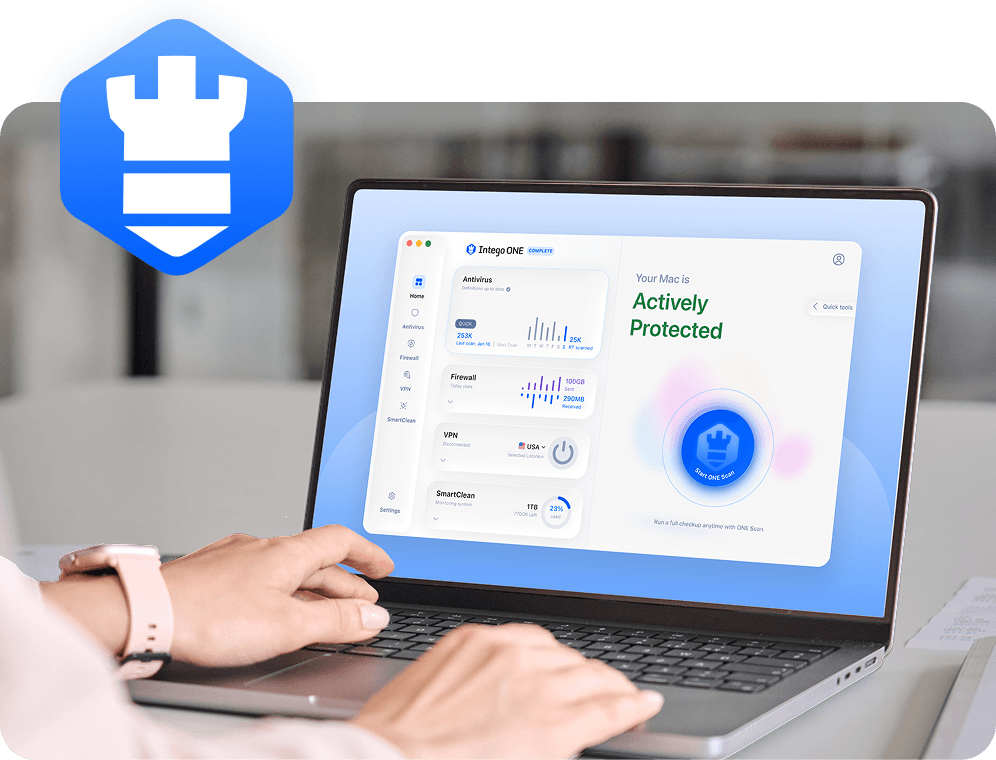
DNS spoofing isn’t always caused by malware on your Mac, so no security app can promise to stop every redirect. But Intego ONE helps protect the parts you can control, including your Mac, your apps, and the networks and accounts you use every day.
Malware detection
Intego’s antivirus can help detect malicious files and unwanted software that may try to change browser, DNS, or network settings on your Mac.
DNS spoofing is when DNS information is manipulated so your browser is sent to the wrong website. You may type the correct address, but your Mac can still be redirected to a fake or unsafe page. Because the destination may look legitimate at first, some users don’t realize anything is wrong until a login page behaves strangely or sensitive information has already been entered.
DNS spoofing works by changing the information your Mac receives when it tries to reach a website. Instead of loading the real destination, your browser is redirected to a fake page controlled by an attacker. This can happen through compromised routers, poisoned DNS records, unsafe networks, or malware that interferes with browser or network settings.
No, but the two threats often work together. DNS spoofing is a redirection method that sends users to the wrong website, while phishing is the attempt to steal passwords, payment details, or other sensitive data. A DNS spoofing attack may send you to a phishing page that looks like a real login screen.
Warning signs of DNS spoofing include unexpected redirects, browser security warnings, strange login pages, websites that look slightly wrong, or several devices on the same network behaving oddly. These signs can have other causes too, but it’s worth checking before entering passwords or payment information.
Yes. Macs can be affected if DNS settings are changed by malware, compromised routers, untrusted public Wi-Fi, or other interference. Because DNS spoofing targets how websites are reached rather than the operating system, even careful Mac users can encounter fake redirects or unsafe pages. Keeping macOS updated and avoiding suspicious downloads can help reduce the risk.
Intego cannot prevent every DNS spoofing attempt, especially when the problem involves a compromised router, unsafe public networks, or an external DNS server. However, Intego ONE can help protect your Mac from malware, suspicious downloads, and unusual network activity that may increase the risk of redirects, browser tampering, or suspicious connections.
Intego
Trusted. Proven. Powerful.
Driven by innovation for over 25 years, Intego has provided advanced cybersecurity solutions built to protect what matters most — your data, your privacy, and your devices.
With award-winning antivirus, firewall, VPN, and system optimization tools, Intego combines powerful defense with the simplicity and reliability Mac and PC users expect.