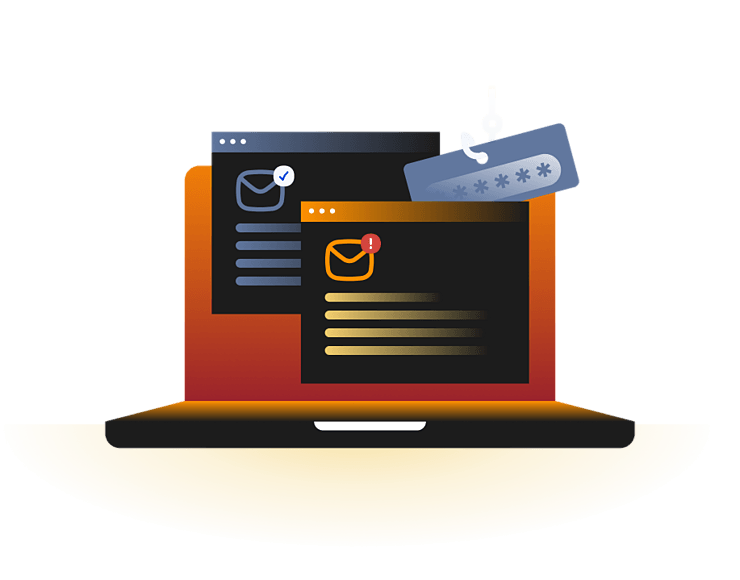
Clone phishing is a type of phishing attack where scammers copy a real or familiar-looking email and send a changed version with a fake link, malicious attachment, or altered reply address. The email usually looks almost identical to the original, making it seem trustworthy at first glance.
Because the message appears familiar and often comes from someone or a company you recognize, it's easier to believe it's legitimate. If you click the link, open the attachment, or follow the instructions, you could end up installing malware, giving away personal information, or handing over your login details.
Cloned brand emails
Scammers copy emails from well-known brands, then change the link so it leads to a fake login, payment, or account-verification page.
Cloned work emails
A copied work message may look like an updated file, missed attachment, or resent instruction from someone the recipient already knows.
Cloned invoice emails
Attackers may copy a real billing format and replace the payment link or banking details with their own.
Cloned file alerts
An email asking you to open a shared file or document may take you to a fake website or download malware onto your Mac instead of opening the file.
Clone phishing works because it makes a scam email look like a real message you recognize. Instead of creating a brand-new message from scratch, the scammer copies a real or familiar-looking email and changes the part that tricks you into clicking.
01
A real or familiar email is copied
The attacker starts with a message that you already recognize, such as a receipt, invoice, document share, delivery update, or account alert.
02
A risky change is made
They replace the original link, attachment, or reply address with one that leads to a fake website, downloads malware, or sends your reply to them.
03
The email is resent
The attacker resends the copied email, often with a message saying there's an updated file, a corrected version, or a new link you should use.
04
The person trusts it
The email looks familiar, so you may click the link or open the attachment without realizing anything has changed.
05
The scam succeeds
If you follow the instructions, the attacker may steal your password, collect your payment details, install malware on your Mac, or gain access to your account.
How does clone phishing show up in real-world attacks?
Clone phishing often overlaps with brand impersonation, fake login pages, invoice fraud, and account takeover. The examples below show how attackers copy familiar email formats or trusted business messages, even when the public reports do not always label the incident as clone phishing.
DocuSign-style invoice and signing scams
Scammers often copy the look of DocuSign emails to make fake signing requests, invoices, or document alerts seem official. These messages may lead to a fake page, ask for payment details, or include an unsafe attachment. DocuSign has warned users about fake invoice phishing scams and says signing-request emails do not ask users to open Office documents or ZIP files.
Microsoft 365 fake login lures
Attackers often copy Microsoft 365-style emails, such as Teams notifications, voicemail alerts, shared documents, or file-sharing requests. Because people receive these messages often, they can look routine. The link may lead to a fake Microsoft login page designed to steal the username and password instead.
Google Docs phishing attack
In 2017, Google users received emails that appeared to invite them to open a shared Google Doc. The link led to a fake Google Docs app that asked for account permissions, giving attackers access to the victim's Gmail account and helping the scam spread to more people. This was not a pure clone phishing case, but it shows how attackers use familiar file-sharing emails to make malicious links look routine.
What are the risks and impacts of clone phishing?
Clone phishing can affect both accounts and devices. The damage depends on what the cloned email is trying to make the person do.
Stolen passwords
A cloned email may lead to a fake login page that captures the username and password for an email, banking, cloud, or work account.
Account takeover
If an attacker gets into your account, they can read your private information, change your password, lock you out, or use your account to scam other people.
Malware infection
Opening a fake attachment or clicking a harmful download link can install malware on your Mac that steals your information, spies on what you do, or damages your files.
Payment fraud
A cloned invoice or payment request can trick you into sending money to the scammer or entering your payment details on a fake website instead of the real one.
Who is most at risk from clone phishing?
Anyone can receive a cloned email, but some people are more likely to act on one because of the type or volume of messages they receive and the work they do.
Busy email users
People who receive lots of emails every day may click on a familiar-looking message before noticing that the link or attachment has been changed.
Small businesses
Small teams often rely on invoices, shared files, and vendor emails, which gives scammers useful formats to copy.
Remote workers
People who work online often receive shared files, meeting invites, and login alerts, making it easier for a cloned email to blend in with their normal work.
Account admins
Anyone with access to billing, social media, cloud storage, or business tools is a higher-value target.
How can you protect yourself from clone phishing?
The best way to avoid clone phishing is to slow down before you click a link, open an attachment, sign in, or make a payment, especially if the email looks like one you've already received.
Check the sender carefully
Don't rely on the display name alone. Check the full email address, reply-to address, and the domain for anything that looks unusual or misspelled.
Be careful with updated emails
If a familiar email suddenly includes a new link, different attachment, or asks you to use an updated version, take a moment to make sure the change is genuine.
Preview links first
Move your mouse over a link to see where it really goes, or press and hold the link on your phone to preview the destination before opening it.
Verify unusual requests separately
If an email asks you to sign in, pay an invoice, or open a file you weren't expecting, contact the sender using a trusted phone number or website to confirm it's real.
Scan suspicious downloads
If you download a file or app from an email, scan it with trusted Mac security software before opening it to help catch malware that may have slipped through.
How Intego helps protect your Mac after risky clicks
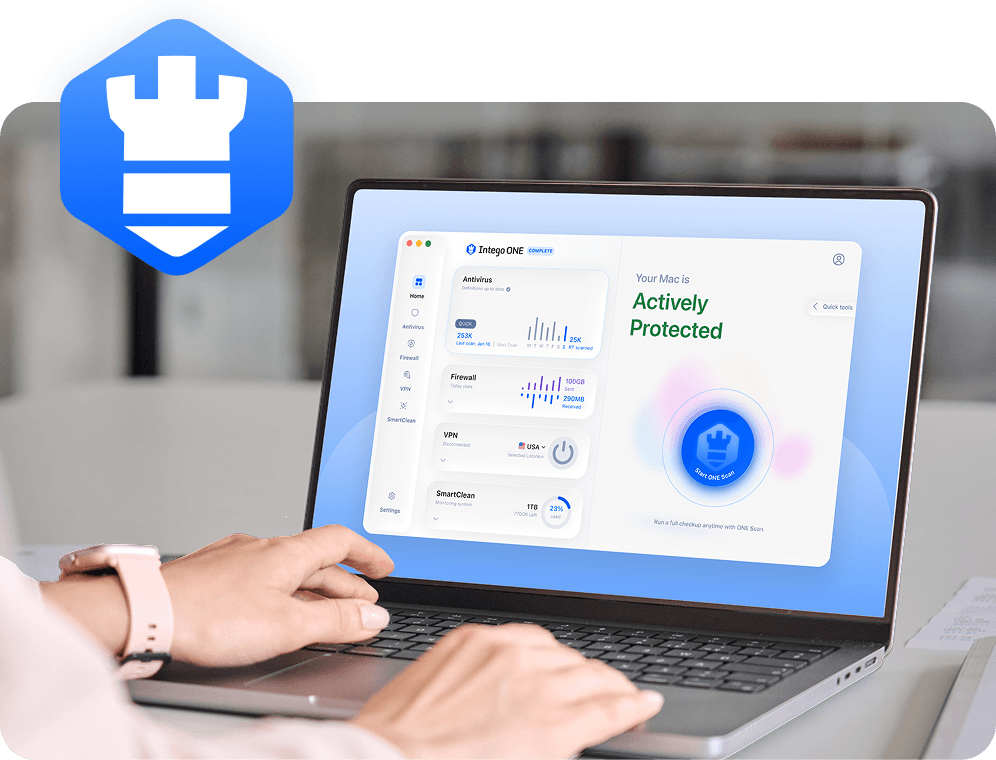
Clone phishing is mainly an email and account-trust problem, but it can still put your Mac at risk if the cloned message leads to a malicious attachment, fake installer, or unsafe download. Intego Antivirus for Mac helps detect known threats and gives you another layer of protection if a suspicious email leads to a dangerous file.
Mac malware detection
Helps detect known Mac malware that may arrive through unsafe attachments, fake updates, or malicious downloads.
Download scanning
Intego checks downloaded files for known malware before you open them, helping you avoid installing something harmful by mistake.
Real-time protection
Intego keeps checking your Mac as you use it, helping catch known threats before they have a chance to do damage.
Post-click support
If you clicked a suspicious link or downloaded a file, you can run an Intego scan to check whether anything harmful made its way onto your Mac.
Clone phishing works by copying a legitimate or familiar-looking email and changing something inside it. The attacker may replace the original link, attachment, login page, or reply address with one they control. The message may then be resent with a note that makes it sound normal, such as “updated version” or “please use this link instead.”
Clone phishing can be difficult to detect because the email may look almost identical to a real one. The warning signs are usually small: a slightly different sender address, a changed link, an unexpected attachment, unusual urgency, or a request that doesn’t quite match the original message. It’s safest to verify important requests outside the email thread.
If someone clones your email, they may copy the layout, wording, subject line, or sender details to trick other people. They might use the cloned message to send fake invoices, malicious attachments, or links to fake login pages. If your actual email account was compromised, change your password, enable two-factor authentication, and check your sent mail and forwarding settings.
The main goal of clone phishing is to use a trusted-looking message to make someone act quickly. The attacker may want login details, payment information, business data, or access to an account. In some cases, the cloned email may also be used to deliver malware through an unsafe attachment, fake update, or malicious download link.
Scammers can clone emails by copying the design, wording, branding, and structure of a real message. In more serious cases, they may use access to a compromised account to copy an existing email thread. They then change the part that matters, such as the link, attachment, payment details, or reply address, before sending the cloned version.
Phone cloning is different from clone phishing. Clone phishing means a scammer copies an email, not your phone. Phone cloning usually refers to someone copying or misusing phone identity details, SIM information, or account access. If you’re worried about your phone, watch for lost service, strange account alerts, unexpected verification codes, or calls and texts you didn’t send.
Intego
Trusted. Proven. Powerful.
Driven by innovation for over 25 years, Intego has provided advanced cybersecurity solutions built to protect what matters most — your data, your privacy, and your devices.
With award-winning antivirus, firewall, VPN, and system optimization tools, Intego combines powerful defense with the simplicity and reliability Mac and PC users expect.