What are whaling attacks? Meaning, examples, and protection

  • Whaling attacks target executives and other high-value decision-makers.

  • These scams often use authority, urgency, and personal details.

  • One fake executive request can expose money, accounts, or data.

  • Careful verification and Mac protection help reduce post-click risk.

What are whaling attacks?

Whaling attacks are targeted phishing scams aimed at senior leaders, executives, board members, founders, or other high-value people inside an organization. The name comes from the idea that attackers are going after the “big fish”: people with authority, access, and the ability to approve sensitive actions.

A whaling attack may ask the target to approve a payment, share private documents, enter a password, open an attachment, or join a fake meeting. On a Mac, the first risk is often trust or account access, not malware. But if the message leads to a suspicious download, fake login page, or unsafe attachment, device security still matters.

CEO fraud

Attackers pretend to be the CEO or another senior leader and ask someone to approve a payment, share information, or handle a confidential request quickly.

Executive phishing

The attacker targets an executive directly, often with a message that looks like it came from a trusted partner, board member, lawyer, vendor, or colleague.

Fake legal requests

Some whaling emails pretend to involve contracts, mergers, disputes, tax matters, or urgent legal reviews, making the request feel private and important.

Deepfake impersonation

More advanced attacks may use fake voice, video, or chat messages to make an executive request feel real, especially during urgent payment or identity checks.

How do whaling attacks work?

Whaling attacks work by making a risky request feel normal, private, and important. Attackers usually study the target first, then use authority or pressure to move the person toward one costly mistake.

01

Research the target

Attackers look for job titles, reporting lines, travel plans, public posts, company news, vendor relationships, or personal details that make the message feel believable.

02

Choose the request

The scam usually asks for something valuable, such as a payment, password, document, account change, employee data, or confidential business information.

03

Impersonate trust

The attacker may pretend to be a CEO, CFO, lawyer, board member, supplier, assistant, recruiter, or trusted service the target already recognizes.

04

Create pressure

The message may mention a deadline, confidential deal, legal issue, payment hold, account warning, or leadership request to make checking feel inconvenient.

05

Use the access

If the target responds, the attacker may steal money, gain access to accounts, or collect sensitive data that can be used in further attacks.

What are real-world examples of whaling attacks?

Whaling examples are often reported as business email compromise, CEO fraud, or executive impersonation. These cases are useful because they show how trust, authority, and rushed approval can create serious losses.

FACC fraud, 2016

Austrian aerospace company FACC lost tens of millions of euros in a cyber fraud case widely described as CEO fraud. The attack involved a payment request that appeared to come through senior leadership channels. It’s a strong example of how executive authority can be abused when finance approvals rely too heavily on email.

Ubiquiti fraud, 2015

Technology company Ubiquiti disclosed that it lost $46.7 million after its finance department received fraudulent requests involving employee impersonation and an outside entity. The attackers used social engineering to convince staff to send funds to overseas bank accounts under their control. This example shows how trusted-looking requests can move large amounts of money when finance checks rely too heavily on email.

WPP deepfake attempt, 2024

Advertising giant WPP reported an attempted scam targeting CEO Mark Read. Attackers created a fake WhatsApp account, used AI-generated voice cloning, and arranged a Microsoft Teams meeting to impersonate the executive. The attempt was unsuccessful, but it shows how whaling-style impersonation is moving beyond email into voice, video, and chat.

What are the risks and
impacts of whaling attacks?

Whaling attacks can be costly because they target people who can approve sensitive actions. A single convincing message can lead to significant consequences for both individuals and organizations.

Financial loss

Fake payment requests, invoice changes, wire transfers, and acquisition-related requests can move money quickly before anyone realizes the message was fraudulent.

Data exposure

Executives may hold or request sensitive files, employee records, board documents, contracts, customer data, or private business plans that attackers want.

Account takeover

A fake login page can give attackers access to email, cloud storage, finance platforms, or collaboration tools used by senior staff.

Follow-up scams

A successful whaling attack can give attackers a foothold inside the organization. They may use that access to gather more information, compromise additional accounts, or target other employees with new attacks.

Who is most at risk
from whaling attacks?

Whaling focuses on authority and access. Attackers usually choose people whose role makes sensitive requests believable or whose accounts could unlock more valuable systems.

How can you prevent whaling attacks?

The best defense is to make sensitive requests harder to rush. Whaling depends on authority and urgency, so practical checks should be built into everyday work, not saved for obvious scams.

Verify sensitive requests

Confirm payment, password, document, or account-change requests through a separate trusted channel, especially when the message feels urgent or confidential.

Slow down urgency

Treat pressure as a warning sign. Real leaders should expect extra checks when money, private data, or account access is involved.

Protect executive accounts

Use strong passwords, multi-factor authentication, and careful recovery settings on email, cloud storage, finance tools, and collaboration platforms.

Limit public detail

Avoid sharing unnecessary travel plans, internal structures, supplier details, or personal information that could help attackers write a believable message.

Check risky files

If a message includes an unexpected attachment or download, don’t open it casually. Scan suspicious files and avoid entering passwords after clicking unknown links.

How Intego supports Mac safety after whaling attempts

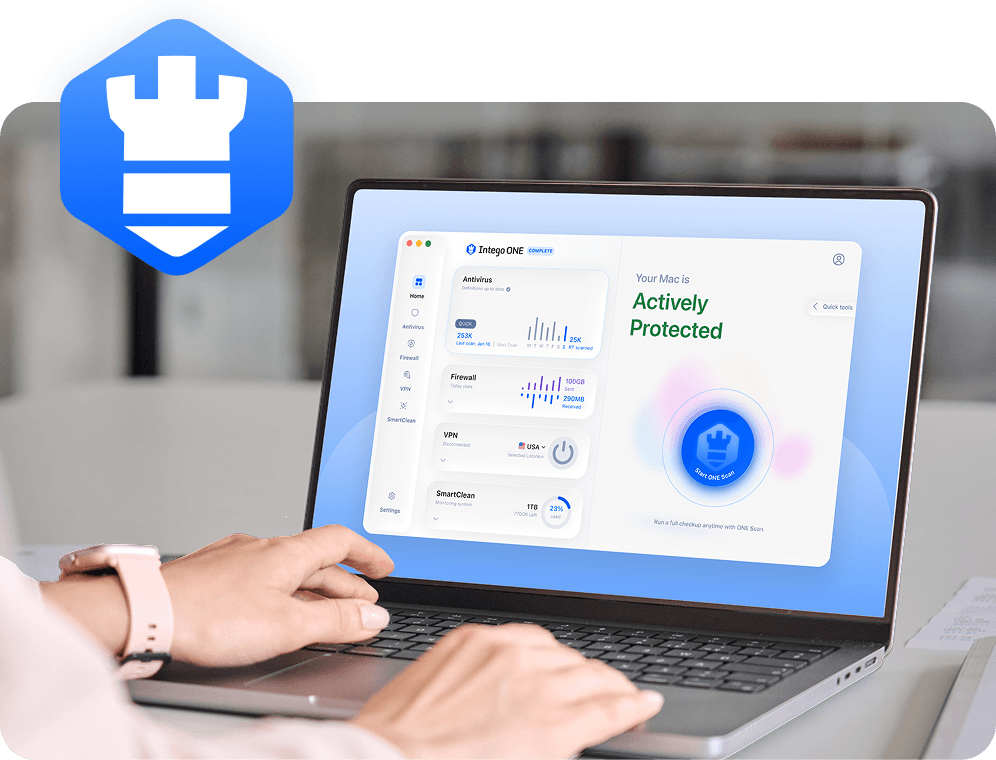
Whaling attacks rely on deception, so no security app can verify whether an executive request is legitimate. Intego Antivirus helps protect your Mac by scanning suspicious files, detecting known Mac malware, and helping you check your device after a risky click, download, or attachment.

File scanning

Intego Antivirus scans files on your Mac, helping detect known malware hidden in attachments, downloads, or files shared through suspicious messages.

Full Mac scans

If someone clicked a risky link or opened a questionable file, a full scan can help check the Mac for known threats.

Malware removal

Whaling can lead to unsafe installers, trojans, or spyware. Antivirus protection helps find and remove known Mac malware when it’s detected.

Mac-first protection

Intego is built for macOS, so protection fits the way Mac users open files, browse, download, and work every day.

Frequently asked questions

Intego

Trusted. Proven. Powerful.

Driven by innovation for over 25 years, Intego has provided advanced cybersecurity solutions built to protect what matters most — your data, your privacy, and your devices.

With award-winning antivirus, firewall, VPN, and system optimization tools, Intego combines powerful defense with the simplicity and reliability Mac and PC users expect.

Money Back Guarantee Image

Get total protection and peak performance for your computer

×

KICKOFF SALE

Wait! Limited time World Cup savings

Block threats, browse privately, and
boost performance in ONE app.

SAVE 50%

30-day money-back guarantee

Rated #1 by Macworld