Caller ID Spoofing: What it is and how to stay safer

  • Spoofed calls can make scammers look local or familiar.

  • Caller ID alone isn’t reliable proof of identity.

  • Scammers may ask for money, passwords, or account codes.

  • Safer habits and Mac protection can reduce the risk after a scam call.

What is caller ID spoofing?

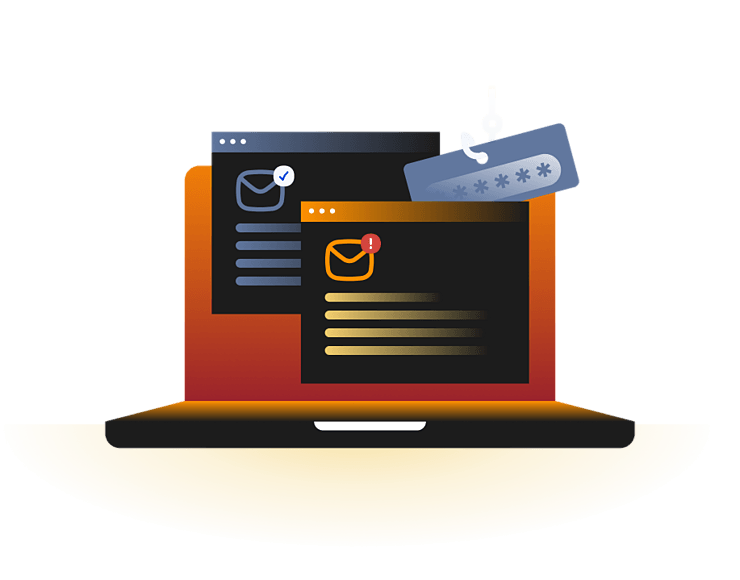
Caller ID spoofing is when someone changes the phone number or name that appears on your caller ID to make it look like the call is coming from someone else. Scammers often use this technique during voice phishing (vishing) attacks to make the call seem more trustworthy. They may pretend to be your bank, a delivery company, tech support, or a government agency.

Seeing a familiar number doesn't mean your phone has been hacked. In most cases, the scammer has simply changed the caller ID to make the call look trustworthy. Caller ID spoofing isn't always illegal.

Businesses sometimes use it to display the same phone number for all outgoing calls, but scammers use it to trick people into sharing personal information or sending money.

Neighbor spoofing

The caller uses a phone number that looks like it's from your local area, making the call seem more familiar and easier to trust.

Brand impersonation

The caller makes it look like the call is coming from a company you know, such as your bank or a delivery service, so you're more likely to believe it's real.

Government spoofing

The caller pretends to be from a government agency, such as the tax office or police, to pressure you into acting quickly.

Mirroring

The caller makes it look like the call is coming from your own phone number, which can catch you off guard and make you answer.

Spoofed texts

The sender changes the name or number on a text message to make it look like it came from someone or a business you trust.

How does caller ID spoofing work?

Caller ID spoofing works by changing the caller information sent through the phone network. The technical details vary, but the scam usually follows a simple pattern: earn trust quickly, create pressure, and push the victim toward action.

01

Pick a familiar number

The scammer chooses a phone number or name that you'll likely recognize, such as your bank, a local business, or a government office.

02

Make the call

They change the caller ID so your phone shows the trusted number or name instead of the real one.

03

Gain your trust

When you see a familiar caller ID, you're more likely to answer the phone and believe the caller is genuine.

04

Create a sense of urgency

The caller says there's a problem with your account, a missed payment, a package, or another urgent issue to pressure you into acting quickly.

05

Ask you to do something

They ask you to share personal information, send money, give them a verification code, allow access to your device, or download software that could put your Mac at risk.

What do official warnings say about
caller ID spoofing?

Caller ID spoofing is used in many different scams, but they all have one thing in common: the caller wants you to believe you're talking to someone you trust. These examples are illustrative patterns seen in consumer guidance and enforcement advice, not rare edge cases.

FCC caller ID spoofing warnings

The FCC warns that spoofed caller ID can make calls appear to come from government agencies, local numbers, or trusted organizations. These calls often try to pressure people into sharing personal information, sending money, or calling back through unsafe channels.

FTC government impersonation scams

The FTC warns that scammers can make any name or number appear on caller ID, including a local number or a government agency such as the Social Security Administration. Its advice is direct: don’t trust caller ID as proof of who is calling.

Ofcom bank spoofing warnings

Ofcom describes spoofing scams where identity thieves imitate banks or credit card companies to steal sensitive information such as banking details or login credentials. The caller ID may look legitimate, but the real caller can be somewhere else entirely.

What are the risks and impacts
of caller ID spoofing?

Caller ID spoofing is dangerous because it borrows trust from real numbers and familiar names. The call may be brief, but the consequences can affect money, accounts, privacy, and device security.

Financial loss

Scammers may pressure you to send money, buy gift cards, approve transfers, or move funds to a so-called safe account.

Account takeover

A spoofed caller may ask for passwords, reset links, one-time codes, or verification details that help them access your accounts.

Identity exposure

Attackers may collect names, addresses, birth dates, banking details, tax information, or other personal data for future fraud.

Mac compromise

Some phone scams lead to fake support pages, remote-access tools, malicious downloads, or phishing sites opened on your Mac.

Who is most at risk from
caller ID spoofing?

Caller ID spoofing can affect anyone with a phone, but some people and situations create more opportunity for scammers to build trust quickly.

How can you protect yourself from
caller ID spoofing?

You can’t fully control whether someone spoofs a number, but you can reduce the chance that a spoofed call turns into fraud. Treat caller ID as a clue, not proof.

Hang up and verify

End suspicious calls and contact the organization through a number from its official website, app, bill, or card.

Protect verification codes

Never share one-time passcodes, password reset links, recovery keys, or account approval prompts with an unexpected caller.

Ignore pressure tactics

Be cautious of callers demanding secrecy, urgent payment, remote access, cryptocurrency, gift cards, or immediate account action.

Use call filtering

Enable carrier call-blocking tools, phone spam labels, and app-based filters to reduce unwanted calls, while still verifying important callers.

Secure your Mac

Avoid downloads or remote-access tools suggested by callers, and scan your Mac if you clicked links or installed anything suspicious.

How Intego ONE helps protect your Mac after scam calls

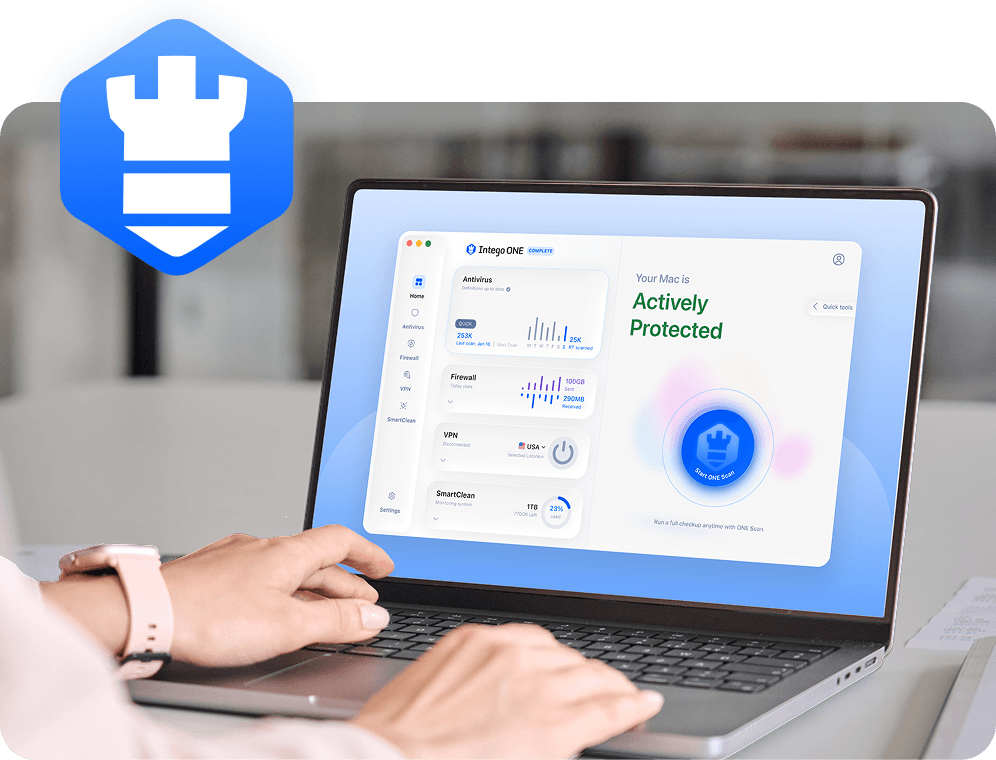
Caller ID spoofing is a phone-network and social engineering problem, so no Mac security tool can stop every spoofed call. Intego ONE can still support the device-security side of the risk, especially if a scam call leads you to a suspicious website, fake alert, remote-access request, or unexpected download on your Mac.

Malware scanning

Scan your Mac for suspicious files, apps, and downloads if a spoofed caller convinced you to install something.

Safer browsing support

Use Mac-focused protection alongside careful link checking when scam calls push you toward fake login or support pages.

Firewall visibility

Firewall tools can help you review and control network activity from apps installed on your Mac after a suspicious interaction.

Everyday protection

Intego ONE brings antivirus, firewall, privacy, and cleanup tools together for broader Mac security habits after scam exposure.

Frequently asked questions

Intego

Trusted. Proven. Powerful.

Driven by innovation for over 25 years, Intego has provided advanced cybersecurity solutions built to protect what matters most — your data, your privacy, and your devices.

With award-winning antivirus, firewall, VPN, and system optimization tools, Intego combines powerful defense with the simplicity and reliability Mac and PC users expect.

Money Back Guarantee Image

Get total protection and peak performance for your computer