What are botnets? How they can affect your Mac and network

  • Botnets use infected devices to carry out remote commands from attackers

  • Macs, routers, and smart devices can all be affected

  • Attackers use botnets for spam, scams, theft, and DDoS attacks

  • Layered Mac protection can help spot malware and unusual connections

What are botnets?

A botnet is a network of infected devices that can be controlled remotely by an attacker. Each infected device becomes a “bot,” which means it can receive commands without the device owner realizing it. Botnets can include Macs, PCs, phones, routers, smart cameras, TVs, servers, and other internet-connected devices.

For Mac users, the risk usually comes from unsafe downloads, malicious apps and browser extensions, or poorly secured devices on the same home or office network. A botnet infection may not look dramatic — your Mac or network may simply seem slower than usual or show unusual background activity.

Mac botnets

Mac botnets use malware to connect infected Macs to a remote command system. The Mac may still work normally while the malware runs quietly in the background.

Router botnets

Routers can become part of botnets when they use weak passwords, outdated firmware, or exposed settings. A compromised router can affect the whole home network.

IoT botnets

Smart cameras, TVs, DVRs, and other connected devices are common botnet targets. These devices are often forgotten after setup and may not receive regular security updates.

Spam botnets

Some botnets send spam or phishing emails from infected devices. This helps attackers hide the true source of the messages and spread scams more widely.

DDoS botnets

DDoS botnets flood websites or online services with traffic. Your device may be only one small part of the larger attack.

How do botnets work?

Botnets usually begin with malware, weak passwords, or outdated software on connected devices. Once a device is infected, it quietly connects to the attacker’s control system and waits for instructions.

01

A device is exposed

A Mac, router, or smart device may be exposed through unsafe downloads, weak passwords, outdated software, malicious sites, or poorly secured remote-access settings.

02

The device is infected

Malware installs on the device, or attackers gain access through weak settings. The device may still seem normal, which makes the problem easy to miss.

03

It checks in

The infected device contacts a command-and-control (C2) system. This lets the attacker send instructions without needing direct access to the device each time.

04

Commands are sent

The attacker can tell infected devices to send spam, flood websites, spread malware, test stolen logins, relay traffic, or collect information.

05

Activity continues quietly

The device may keep working while using extra bandwidth, battery power, or CPU resources in the background.

What are real-world
examples of botnets?

Botnets are not only a problem for large companies or Windows computers. Some have affected Macs directly, while others have used routers and smart devices that people rely on at home every day.

Flashback Mac botnet, 2012

Flashback was one of the best-known Mac botnets. In 2012, it infected hundreds of thousands of Macs by taking advantage of Java security flaws. Many people did not realize anything was wrong, because their Macs could still work normally while quietly connecting to remote servers. It remains an important reminder that Macs can be affected by botnet malware.

Ballista router botnet, 2025

Ballista targeted vulnerable TP-Link Archer routers in 2025. Instead of infecting a computer directly, attackers used a router weakness to take control of exposed routers. This matters because a router sits between your devices and the internet. If it is not updated or properly secured, it can put the wider home network at risk.

BadBox 2.0 IoT botnet, 2025

BADBOX 2.0 affected millions of Android-based smart devices, including streaming boxes, digital projectors, and digital picture frames. Some devices were already unsafe before people started using them, while others became infected later. The case shows why smart devices should not be treated as “set and forget” items on a home network.

What are the risks and
impacts of botnets?

Botnets can affect both your device and your network in different ways. Some botnets steal data, while others send spam, attack websites, or hide suspicious traffic.

Slower performance

An infected Mac or device may become slower, hotter, or less responsive because malware is using processor power, memory, battery, or bandwidth in the background.

Data exposure

Some botnet malware can collect passwords, browser data, files, or system information. A compromised device may also expose connected accounts or services.

Network misuse

A botnet can use your internet connection to send spam, relay traffic, test stolen logins, or take part in activity you did not approve.

DDoS attacks

Botnets can flood websites or services with traffic. Your Mac, router, or smart device may become one small part of a much larger attack.

Who is most at risk
from botnets?

Botnets are more likely to affect devices that use outdated software, weak passwords, or unsecured network settings.

How can you protect your Mac
from botnets?

You do not need to understand every technical detail to reduce the risk of botnets. The biggest gains come from blocking malware, updating devices, and securing the network your Mac uses every day.

Scan your Mac

Use trusted Mac antivirus protection to help detect botnet malware, unsafe downloads, and suspicious files before they can stay hidden on your computer.

Update macOS and browsers

Install updates for macOS, Safari, Chrome, Firefox, and other browsers. Updates often fix weaknesses that malware and malicious sites may try to exploit.

Secure your router

Change your router’s default admin password, install firmware updates, and turn off remote admin access unless you truly need it.

Lock down smart devices

Change default passwords on cameras, TVs, printers, and other smart devices. Remove devices you no longer use from your network.

Watch unusual activity

Slowdowns, overheating, heavy data use, repeated connection alerts, or strange startup behavior can be signs that your Mac or network needs attention.

How Intego helps reduce botnet risk on your Mac

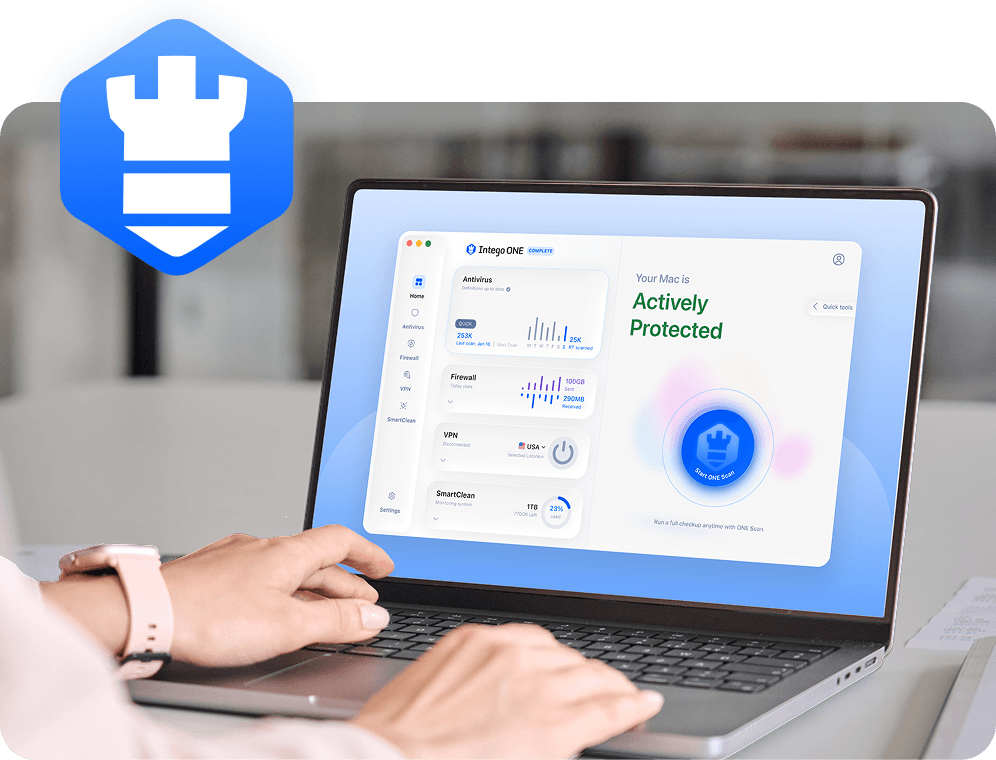
Botnets usually depend on malware and hidden background communication between infected devices and remote control systems. Intego ONE for Mac helps protect the Mac side of your network with antivirus detection, firewall controls, and visibility into what is running on your computer.

Malware detection

Intego’s antivirus protection helps detect known Mac malware, unsafe files, and suspicious downloads that could allow your Mac to become part of a botnet.

Connection control

Intego’s firewall lets you control which apps can connect to the internet, helping you block unexpected outbound activity from apps you do not trust.

Running app visibility

SmartClean helps you monitor CPU, memory, and storage usage on your Mac, which can help you investigate unusual slowdowns or unexpected activity.

Layered Mac protection

Intego ONE brings antivirus, firewall, SmartClean, and VPN tools into one suite, giving you broader Mac-focused protection in one place.

Frequently asked questions

Intego

Trusted. Proven. Powerful.

Driven by innovation for over 25 years, Intego has provided advanced cybersecurity solutions built to protect what matters most — your data, your privacy, and your devices.

With award-winning antivirus, firewall, VPN, and system optimization tools, Intego combines powerful defense with the simplicity and reliability Mac and PC users expect.

Money Back Guarantee Image

Get total protection and peak performance for your computer

×

KICKOFF SALE

Wait! Limited time World Cup savings

Block threats, browse privately, and
boost performance in ONE app.

SAVE 50%

30-day money-back guarantee

Rated #1 by Macworld