Stop unwanted screen recordings on your iPhone
Helps you spot active screen recording
Alerts you when mirroring is active
Protects what’s visible on your iPhone
Screen recording can capture whatever is visible on your iPhone. Intego checks whether recording or mirroring is active so you can stop it if you didn’t turn it on.
What Intego ONE checks
Intego ONE checks whether screen recording or screen mirroring is active on your iPhone. If it is, this check is flagged so you can review it.
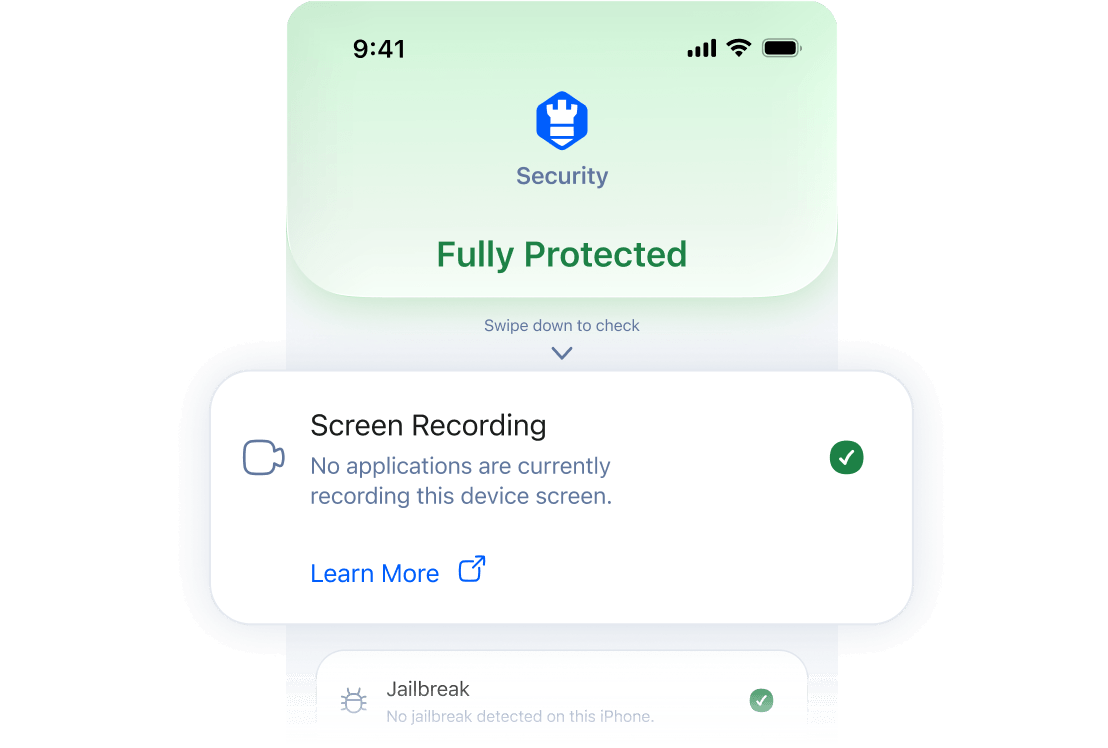
 Intego ONE only checks whether recording or mirroring is active. If you started it yourself, no action is needed.
Why Intego recommends checking
screen recording
Screen recording is useful when you start it yourself. But if it’s active without you realizing, it can capture private things on your screen, like messages, account details, photos, or app activity.
That’s why Intego ONE flags it. If you started the recording or mirroring yourself, you can ignore the alert. If you didn’t, you can stop it before more of your screen is shared.
How to stop screen recording on iPhone
To stop screen recording from the red indicator:
Tap the red recording indicator at the top of the screen.
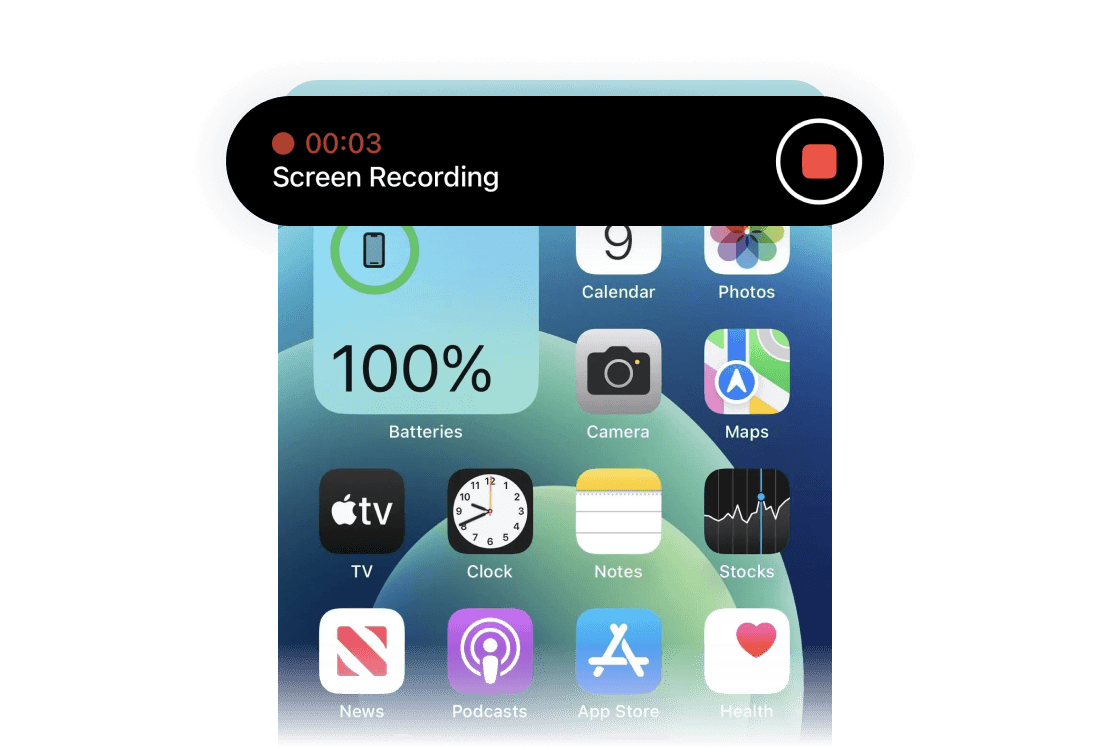
Tap Stop when the prompt appears.
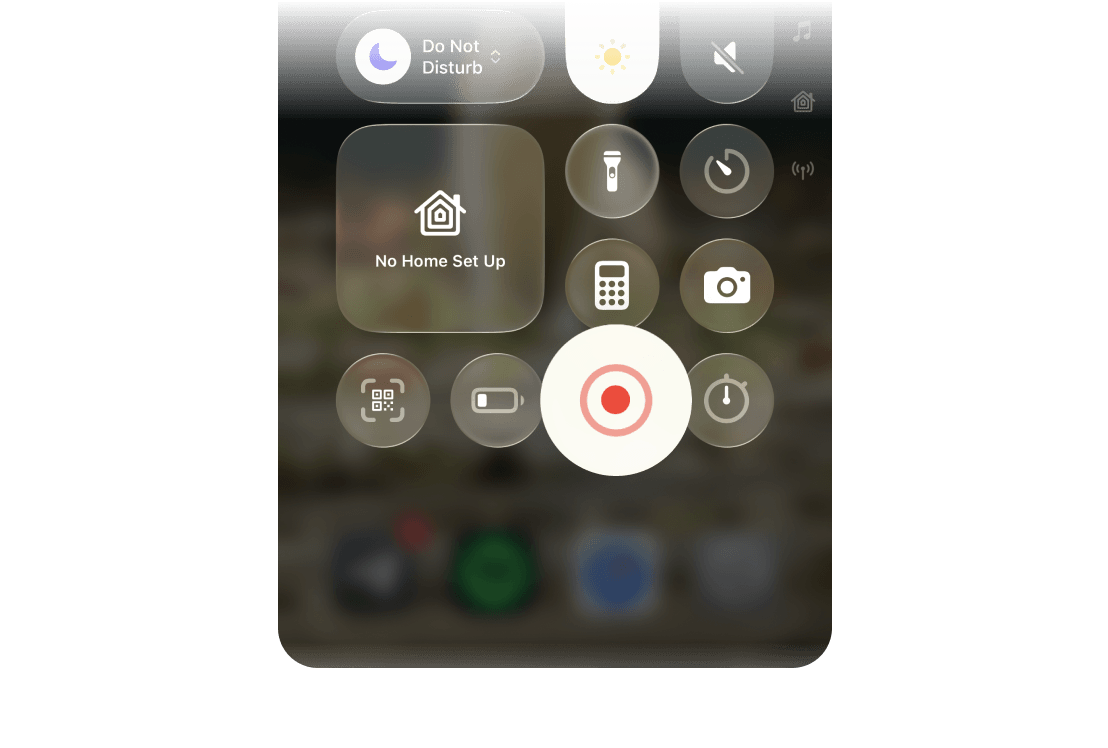
To stop it from Control Center:
Swipe down from the top-right corner of the screen.
Tap the red Screen Recording button.
After you stop recording or mirroring, go back to Intego ONE and run the check again.
How Intego ONE helps
Intego ONE doesn’t replace Apple’s built-in security. It checks whether important iPhone privacy and security settings are turned on, alerts you when something needs attention, and helps secure your connection when you browse.
What is screen recording on iPhone?
Screen recording is a built-in iPhone feature that records what happens on your screen. People often use it to make tutorials, save steps, or show someone how to do something.
You can also record your microphone at the same time if you choose to.
What to do if you didn’t start the recording
If screen recording or mirroring is active and you didn’t turn it on, stop it first. Then check which app you were using and close anything you don’t recognize.
Stop the recording or mirroring.
Close apps you don’t recognize.
Review recent downloads or new apps.
Restart your iPhone.
Run the Intego check again.