What is clickjacking? How it works and how to stay safer

  • Clickjacking hides the real action behind an ordinary-looking website button

  • One click may change settings or approve something you didn’t intend

  • Website owners provide the strongest protection against clickjacking attacks

  • Updated browsers and careful clicking can help reduce your exposure

What is clickjacking?

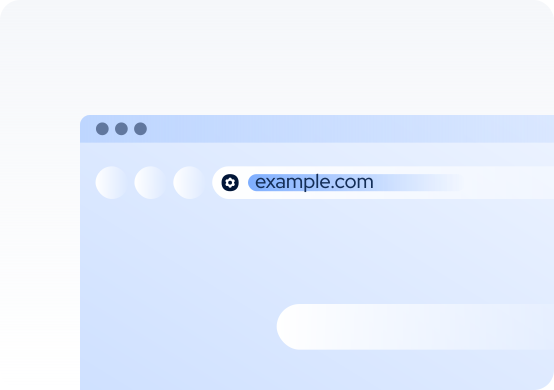
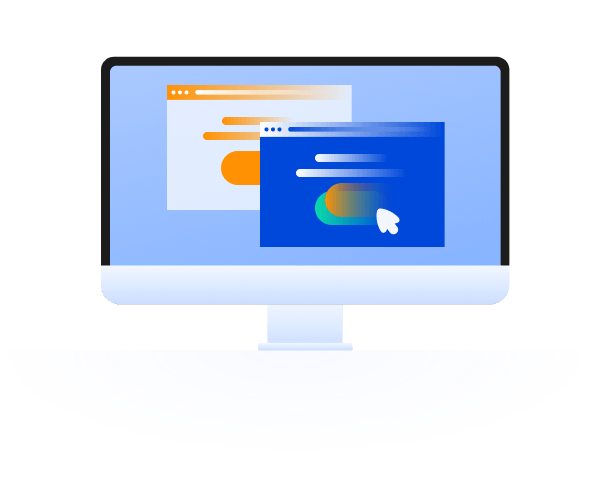
Clickjacking is an attack that tricks you into clicking a hidden button or control instead of the item you think you’re selecting. An attacker may place an invisible webpage over something harmless-looking, such as a play button, CAPTCHA, game, advertisement, or pop-up. When you click the visible item, your click activates the hidden control instead.

Clickjacking is also called “user interface redressing” because the attacker changes what the page appears to show without making the real action clear. The attack happens inside a web browser, so it can affect Mac users as well as people using other devices. Depending on what the hidden button does, your click could change an account setting, approve an action, share information, or start an unsafe download.

Basic clickjacking

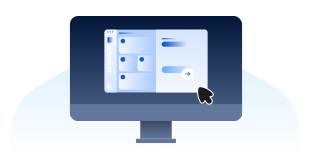
An attacker loads a real webpage in a transparent frame over a decoy page. You click the visible button, but your browser sends the click to a control on the hidden page.

Likejacking

Likejacking uses a hidden social media button to make you like, share, follow, or interact with content without realizing it. The action is then recorded as if you did it yourself.

Cursorjacking

Cursorjacking makes the pointer appear to be in a different place from where the browser registers it. You think you’re selecting one item, but your click lands somewhere else.

Multi-step clickjacking

Some attacks guide you through several clicks. Each step may secretly change a setting, confirm an action, or move the attack closer to its intended result.

Browser extension clickjacking

Some attacks target buttons or menus added by browser extensions, such as password managers or autofill tools.

How does clickjacking work?

The setup can vary, but the basic trick is the same: the page hides the real button so you can’t see what your click will do.

01

You visit a webpage

You open a malicious or compromised webpage that shows something tempting to click, such as a button, video, game, CAPTCHA, advertisement, or pop-up.

02

The attacker hides a control

The attacker positions a transparent button, link, or other control over the item you can see. Because the hidden control is invisible, you don’t know what your click will activate.

03

You click the visible item

You click what you believe is the visible button or link. Instead, your browser sends the click to the hidden control.

04

The hidden action runs

The hidden control performs its intended action. It might approve a request, change an account setting, follow a social media account, or start a download without your knowledge.

What are real-world examples of
clickjacking?

Most clickjacking cases become public through security research rather than large-scale attacks. These examples show how the same basic technique has affected browser tools, social media, and password managers.

Adobe Flash settings, 2008

In 2008, security researchers showed that attackers could use clickjacking to trick people into clicking hidden Adobe Flash Player security settings. Adobe responded with a security advisory and released updates to reduce the risk. The discovery helped raise awareness of clickjacking as a browser-based threat.

Twitter “Don’t Click,” 2009

In 2009, a clickjacking attack spread on Twitter through posts that said "Don't Click." People who clicked the link unknowingly triggered a hidden action that posted the same message from their own Twitter accounts, helping the attack spread to more users.

Password manager research, 2025

In 2025, security researcher Marek Tóth demonstrated a new clickjacking technique targeting browser-extension password managers. In some cases, the attack could expose saved passwords, payment details, or other information stored in a password manager. The findings were responsibly disclosed, and several vendors released updates or other protections.

What are the risks and impacts
of clickjacking?

The result depends on what the hidden button controls and whether you’re already signed in to the targeted website or service.

Unwanted account changes

A hidden click may alter privacy settings, follow an account, share a post, approve a connection, or perform another action through an account you’re already signed in to.

Information exposure

Some clickjacking techniques target forms, autofill tools, or browser extensions. In some cases, they can expose personal information, payment details, passwords, or authentication codes.

Unwanted permissions

A deceptive page may target settings or permission controls within a webpage or browser extension. Modern browsers protect many sensitive prompts, but some controls can still be targeted.

Follow-on attacks

The hidden click may open a phishing page, start an unsafe download, or lead to malware. Clickjacking may be only the first step in a broader attack.

Who is most at risk from
clickjacking?

Anyone who uses the internet can come across a clickjacking attack, but some people are more likely to be affected than others.

How can you protect yourself from
clickjacking?

Website owners are responsible for the main technical defenses against clickjacking. As a user, you can't always tell when a webpage is trying to trick you, but a few simple habits can make clickjacking much less likely to succeed.

Be cautious with unexpected prompts

Take a moment before clicking buttons, pop-ups, or permission requests, especially if they appear unexpectedly. If something doesn't look right, don't click it.

Limit browser extensions

Only install browser extensions from trusted sources, and remove any you no longer use. Fewer extensions mean fewer features that attackers may try to target.

Review autofill settings

Keep your password manager and its browser extension updated. If your password manager lets you confirm before filling passwords or payment details, turn that option on.

Leave suspicious pages

Close the page if buttons don’t respond as expected, the pointer seems out of place, or a click triggers an unrelated download, redirect, or account action.

Keep your Mac protected from malware

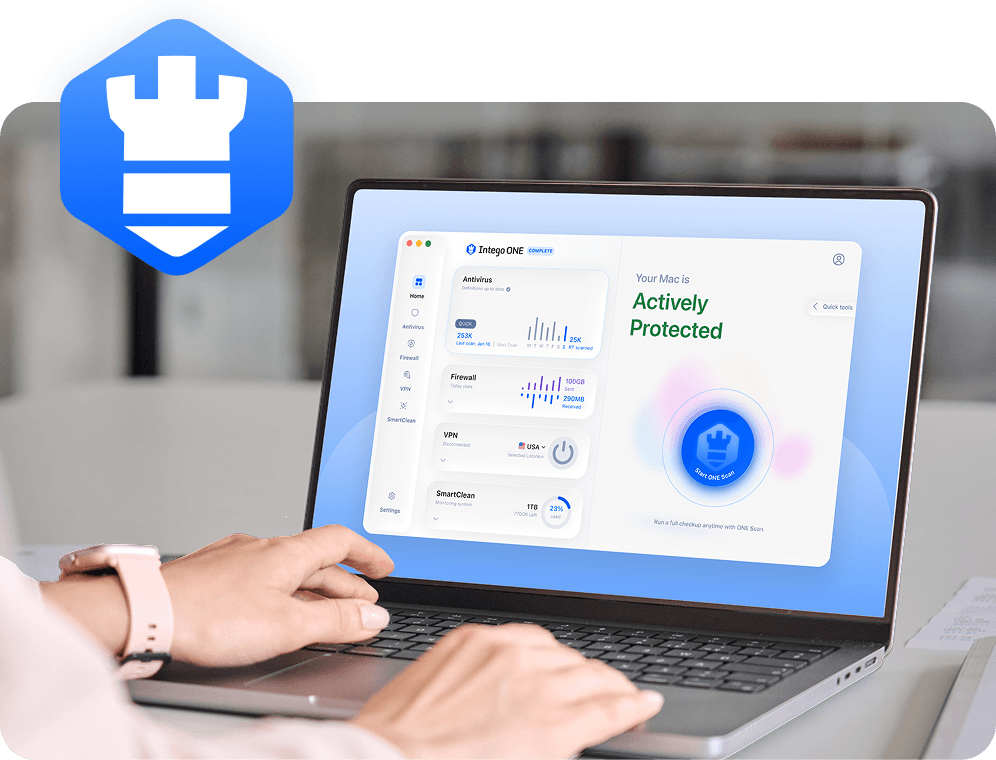
Keep macOS and your browser up to date, avoid suspicious downloads, and use trusted security software such as Intego ONE to help detect and block known malware.

For website owners, the strongest defense is to control which sites can display their pages inside another website. Content Security Policy can help block this, while X-Frame-Options can help protect older browsers. The SameSite cookie setting can also reduce the risk of account information being sent when a page is loaded inside another site.

How Intego helps if a click leads to malware

Antivirus software doesn’t stop the clickjacking technique itself. However, a hidden or misleading click may lead to a fake installer, malicious download, or another file-based threat. Intego’s antivirus protection can help detect known Mac malware delivered after a deceptive website interaction.

Real-time file checks

Real-time protection checks files as they’re downloaded, opened, or accessed. If it detects known malware, it can stop it before it runs on your Mac.

Download scanning

Intego can inspect downloaded files and installers, including files you download after clicking a misleading ad, fake update prompt, or deceptive download button.

Threat quarantine

When Intego detects known malware, it can move the affected file into quarantine so it can’t run normally or continue making changes to your Mac.

Flexible Mac scans

If you think you've downloaded something suspicious, you can run a quick, full, custom, or scheduled scan to check your Mac for known malware.

Frequently asked questions

Intego

Trusted. Proven. Powerful.

Driven by innovation for over 25 years, Intego has provided advanced cybersecurity solutions built to protect what matters most — your data, your privacy, and your devices.

With award-winning antivirus, firewall, VPN, and system optimization tools, Intego combines powerful defense with the simplicity and reliability Mac and PC users expect.

Money Back Guarantee Image

Get total protection and peak performance for your computer