Unlock your iPhone more securely with Face ID or Touch ID
Keeps your phone locked from strangers
Protects passwords, banking apps & photos
Faster than typing a passcode every time
Face ID and Touch ID are built into iOS. Intego checks whether this protection is turned on and shows you how to enable it if it’s off.
What Intego ONE checks
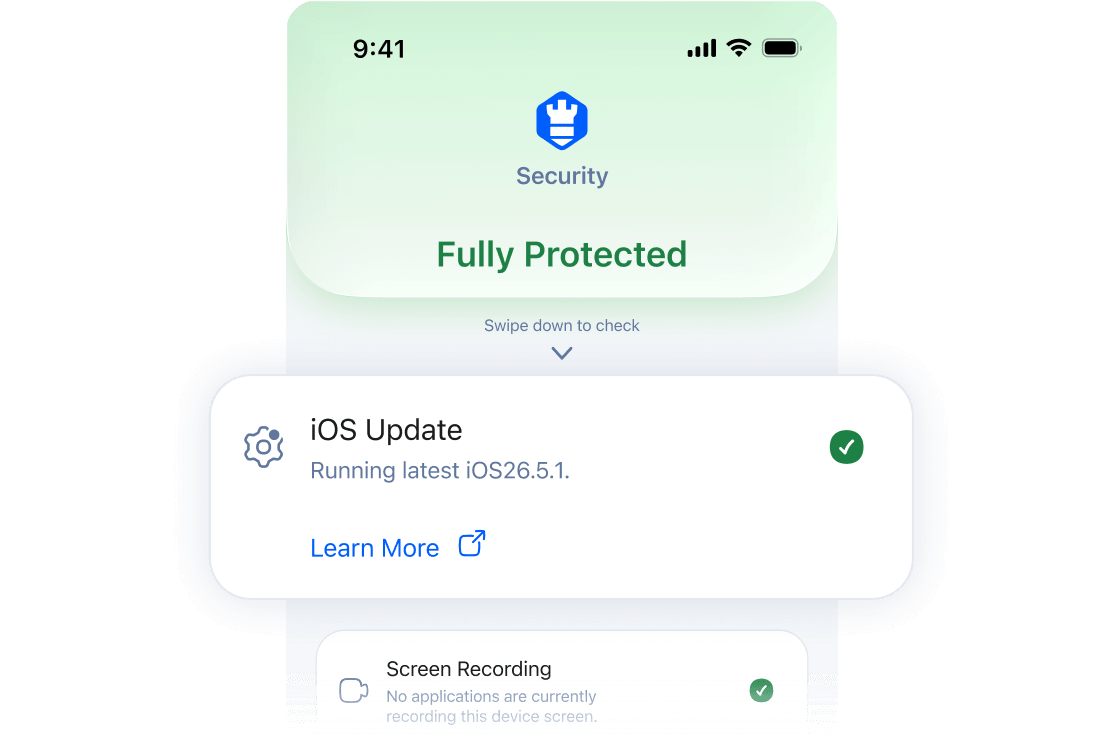
Intego ONE checks whether Face ID or Touch ID is set up on your iPhone. If it’s on, this check shows as protected. If it’s off, Intego ONE prompts you to turn it on.
 Your biometric data stays private
Intego ONE only checks whether Face ID or Touch ID is enabled. We don’t access, collect, or store your face or fingerprint information.
Why Intego recommends
Face ID or Touch ID
Why Intego recommends
Face ID or Touch ID
If you leave your iPhone in a café, taxi, or meeting room, Face ID or Touch ID helps stop someone else from opening it and seeing your messages, photos, or everyday apps.
That’s why Intego ONE flags this setting when it’s off. It helps you catch an important protection you may have missed.
How to turn on Face ID or Touch ID
How to turn on
Face ID or
Touch ID
Before you can use Face ID or Touch ID, your iPhone needs a passcode.
Open the Settings app.
Tap Face ID & Passcode or Touch ID & Passcode, depending on your iPhone model.
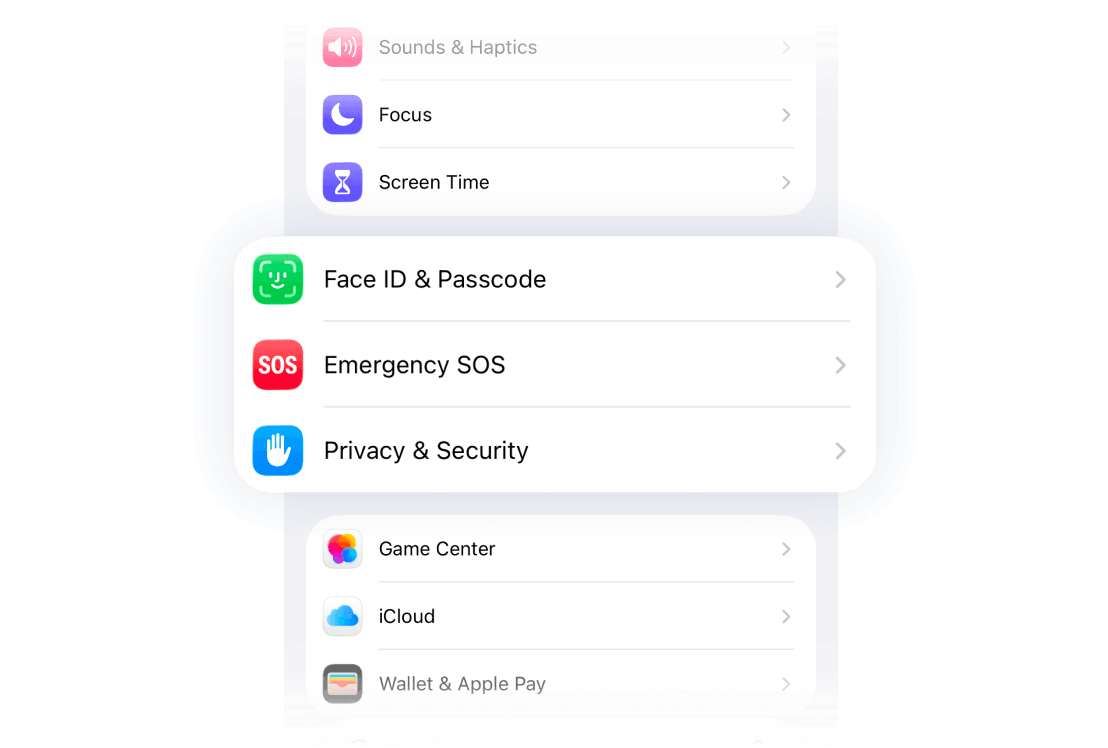
Enter your passcode if asked.
Tap Set Up Face ID, or Add a Fingerprint.
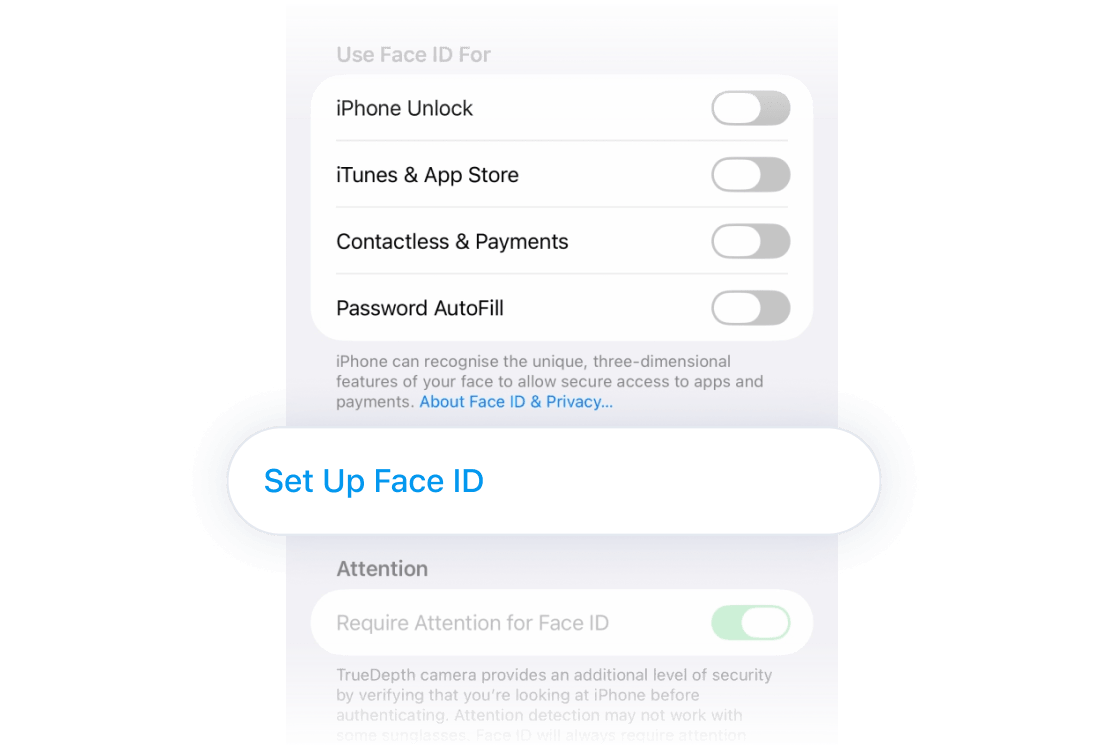
Follow the onscreen instructions to finish setup.
After you turn it on, go back to Intego ONE and run the check again. Face ID or Touch ID should now show as protected. You can choose when your iPhone uses Face ID or Touch ID, such as unlocking your screen, approving purchases, or filling in passwords.
How Intego ONE helps
Intego ONE doesn’t replace Apple’s built-in security. It checks whether important iPhone privacy and security settings are turned on, alerts you when something needs attention, and helps secure your connection when you browse.
What is Face ID or Touch ID?
What is
Face ID or
Touch ID?
Face ID lets you unlock your iPhone with your face. Touch ID lets you unlock it with your fingerprint.
Depending on your iPhone model, you may have Face ID, Touch ID, or passcode-only access. Intego ONE checks the biometric option available on your device.
What to do if Face ID or Touch ID isn’t available
What to do if
Face ID or
Touch ID isn’t available
Not every iPhone supports Face ID or Touch ID. Newer models usually use Face ID, while some older models use Touch ID.
If your iPhone doesn’t support either one, protect it with a strong passcode and keep iOS up to date. Intego ONE can still check other important iPhone security settings.
If Face ID or Touch ID should be available but isn’t working, check Apple's support guidance or restart your iPhone and try again.