Reduce ad tracking on your iPhone
Helps limit tracking across apps and websites
Stops apps from asking to track you
Gives you more control over your privacy
Some apps ask to track what you do outside their own app. Intego checks whether app tracking requests are turned off and shows you how to change the setting if they’re on.
What Intego ONE checks
Intego ONE checks whether Allow Apps to Request to Track is turned off in your iPhone privacy settings. If it’s off, this check shows as protected. If it’s on, Intego ONE flags it so you can turn it off.
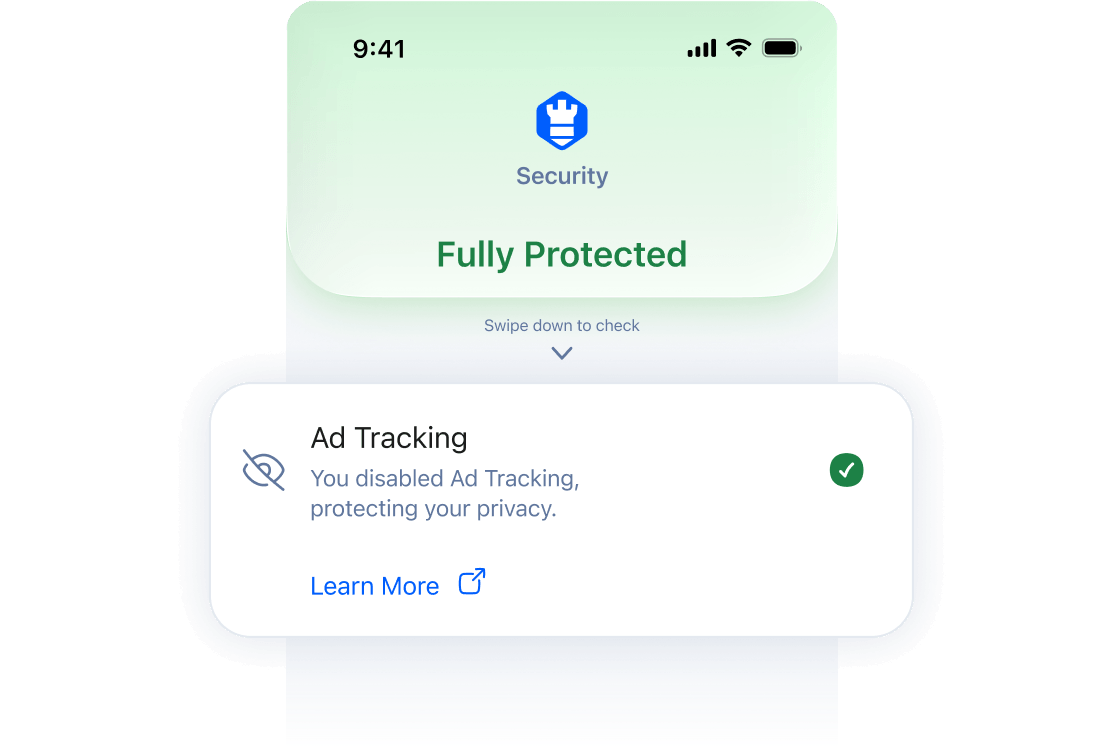
Intego ONE doesn’t block ads or change the setting for you. It only checks whether your iPhone allows apps to ask to track you.
 Ad tracking is your choice
Some users choose to allow tracking. If you don’t want Intego ONE to keep flagging this setting, you can turn off this check and turn it back on later.
Why Intego recommends turning off ad tracking requests
If app tracking requests are allowed, apps can ask to follow your activity across other companies’ apps and websites. This can help advertisers build a profile of your habits and interests.
Turning the setting off helps reduce this type of tracking and gives you more control over how apps use your activity for advertising.
How to turn off ad tracking on iPhone
You can turn off app tracking requests in iOS Settings.
Open Settings.
Tap Privacy & Security.
Tap Tracking.
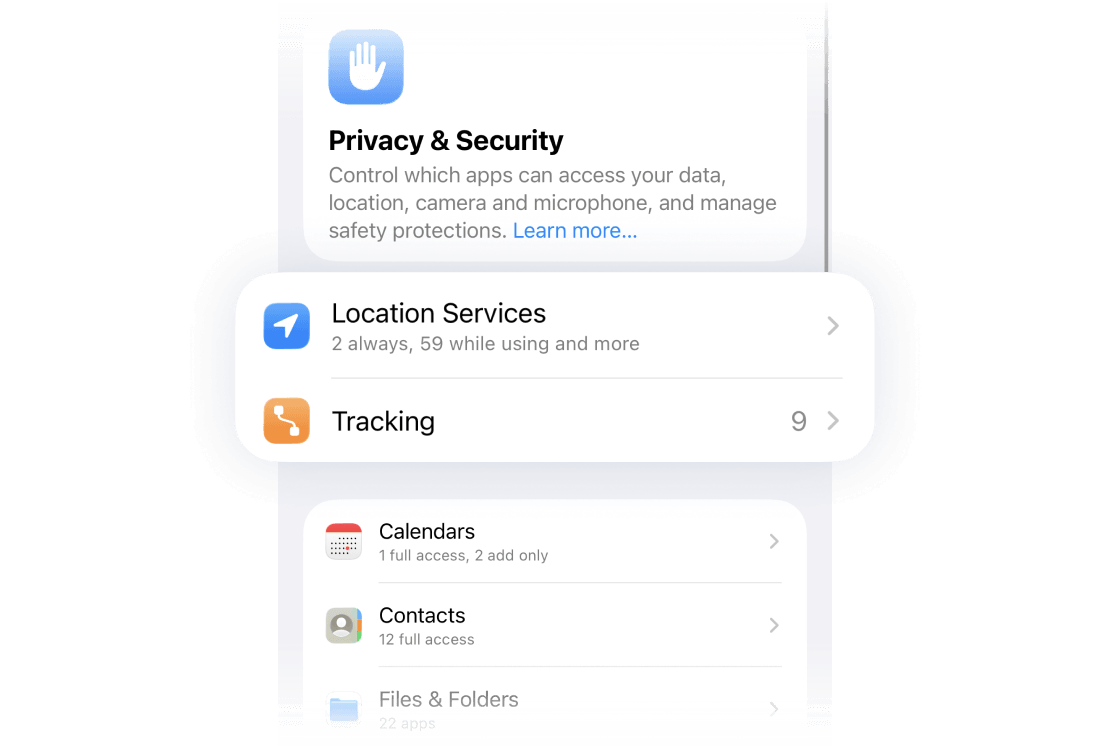
Turn off Allow Apps to Request to Track.
If prompted, tap Ask Apps to Stop Tracking.
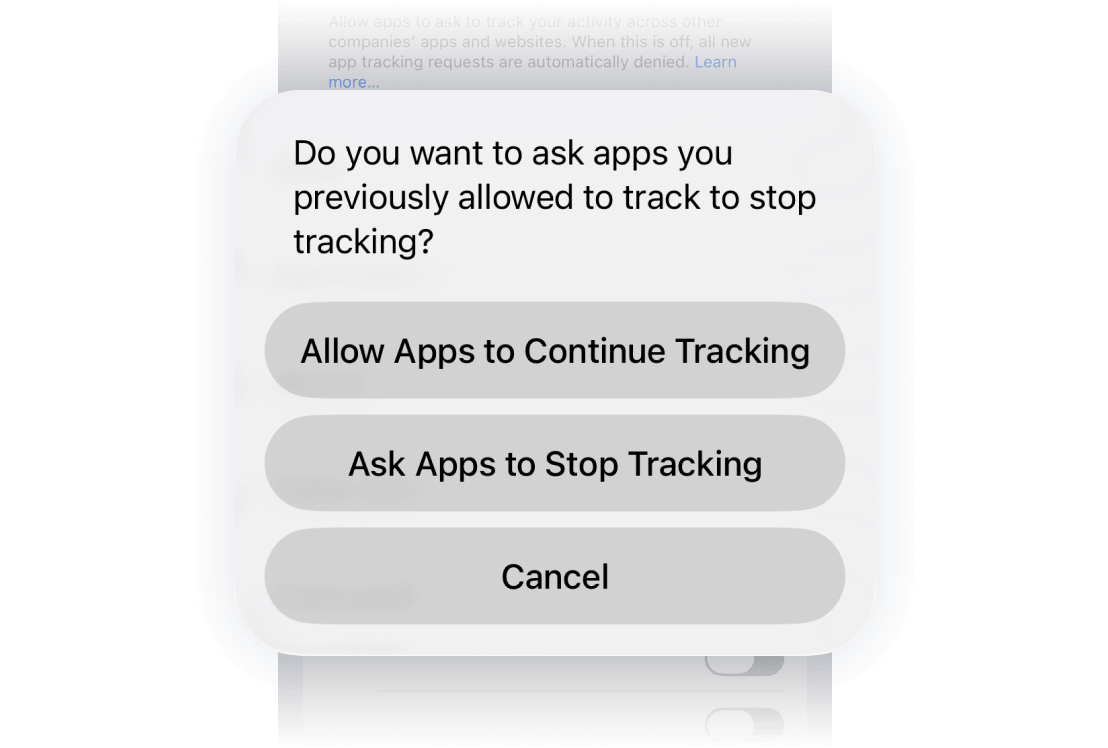
After this, new app tracking requests are blocked, and apps you previously allowed are asked to stop tracking.
How Intego ONE helps
Intego ONE doesn’t replace Apple’s built-in security. It checks whether important iPhone privacy and security settings are turned on, alerts you when something needs attention, and helps secure your connection when you browse.
What is ad tracking on iPhone?
Some apps ask to track your activity across other companies’ apps and websites. This can include the apps you use, websites you visit, or actions you take outside the app.
Apple’s App Tracking Transparency setting lets you choose whether apps can ask for this permission.
Will this stop all ads?
No. Turning off app tracking requests won’t remove ads from apps or websites.
It helps reduce tracking used to personalize ads. Apps can still collect information about what you do inside their own app, and you may still see ads based on other signals.