Real-time antivirus protection for Mac
Scan, detect, and eliminate threats instantly.
| 30+ Milion | Users |
|---|---|
| 25+ Years | of Experience |
4.8 | Excellent on Trustpilot |
| Apple | Notarized |
What is a virus scan, and why you need one
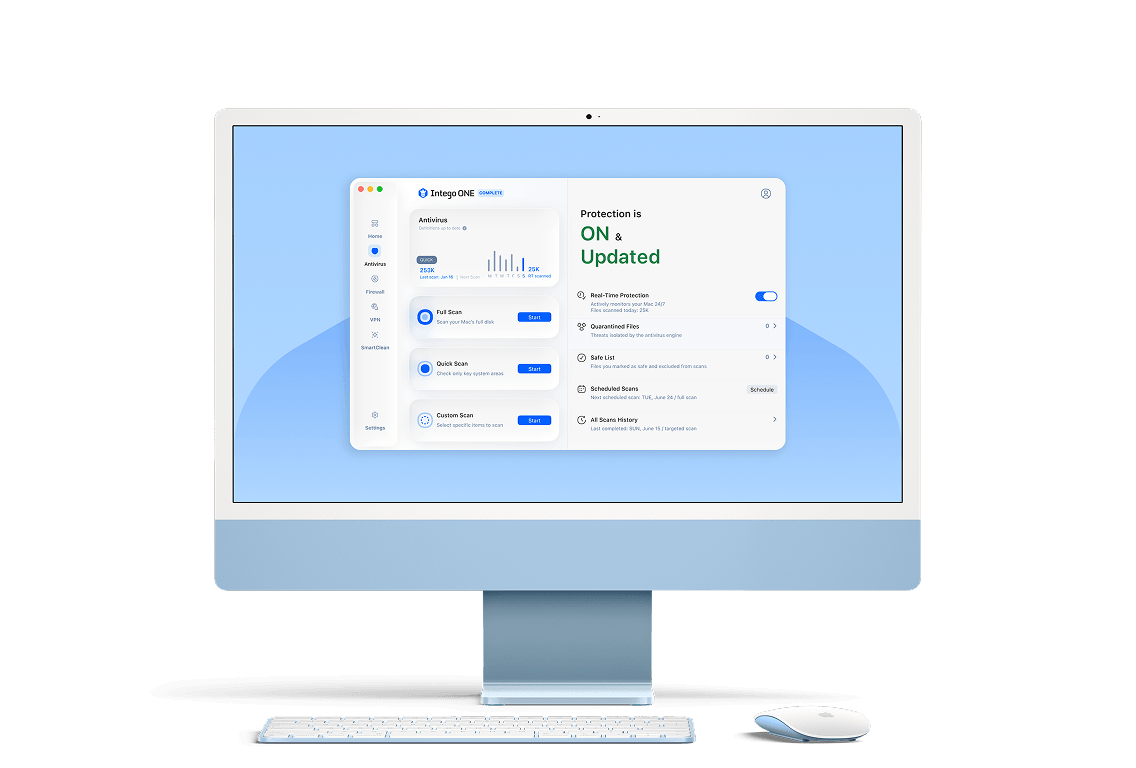
A virus scan is like a digital health checkup for your Mac. It searches your system for harmful files, suspicious apps, and hidden threats. With real-time protection, Intego ONE works in the background to block dangers before they cause damage.
Unlike Apple’s built-in tools, which only provide basic protection, Intego’s advanced virus detection software actively scans for the latest threats, including those that macOS alone may miss.

Advanced virus protection
that fits your life
Choose the scan that works for you, and let Intego handle the rest.
How to scan your computer for viruses

01
Open Intego ONE
Launch the Intego ONE app from your Applications folder to get started right away.
02
Start ONE Scan
Choose the ONE Scan option in the app Home tab, or another scan option from the Antivirus tab.

03
Detect threats
Intego ONE scans your system, identifies suspicious files, and quarantines potential threats instantly.
04
Take action
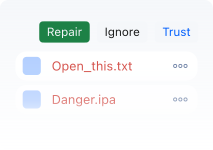
When the scan finishes, review the results - remove unwanted files and restore trusted ones.
Why choose Intego ONE virus scanner over free tools?
Built-in macOS defenses are limited. Intego gives you complete protection.
Features

Intego ONE

macOS Built-In

Free Apps
Real-Time Protection
Limited
Varies
Full & Quick Scans
Limited
Custom Scan Options
Limited
Quarantine & Safe List
Scheduled Scans
Transparent Scan History
Minimum System Requirements
Intego ONE is lightweight and built to run seamlessly on supported Macs. To install, you’ll need:
What Our Most Satisfied Customers Say
{"trustpilotBtnText":"Testimonials","techReviewsBtnText":"Reviews","hideCarousel":false,"selectedType":"testimonials","legalText":"We sometimes pay review sites to refer customers to us."}Award-Winning Security for Mac and PC

AV Test

AV Comparatives

VB100

Gold Award Winner

TopTenReviews

Editors Choice
Our 30-day
money-back guarantee
Install Intego in minutes and run your first scan right away. If you are not completely satisfied, contact our support team within 30 days for a refund. No hassle, no long forms, and no hard feelings.
Intego
Trusted. Proven. Powerful.
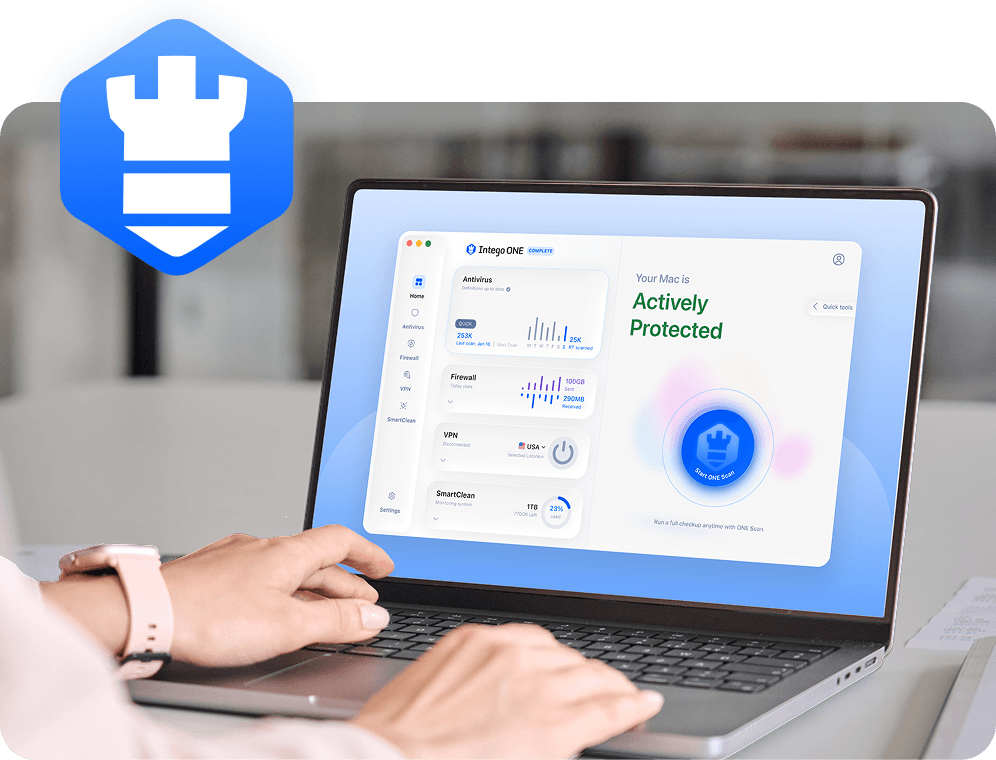
Driven by innovation for over 25 years, Intego has provided advanced cybersecurity solutions built to protect what matters most — your data, your privacy, and your devices.
With award-winning antivirus, firewall, VPN, and system optimization tools, Intego combines powerful defense with the simplicity and reliability Mac and PC users expect.

Start protecting your Mac today
30-day money-back guarantee